A CS2 sensitivity converter translates mouse sensitivity settings from games like Valorant, Fortnite, Apex Legends, and Overwatch 2 into Counter-Strike 2 while maintaining identical physical mouse travel distance per 360-degree rotation. Because different game engines utilize unique rotational yaw multipliers, copying raw sensitivity numbers between games destroys your muscle memory. This guide explains the exact mathematical formulas behind CS2 sensitivity conversion so you can preserve your aim precision across titles.
The Mathematics of Mouse Sensitivity: Yaw Multipliers
Every first-person shooter converts mouse hardware counts (dots per inch, or DPI) into angular camera rotation via an internal multiplier known as the yaw value. The standard formula governing physical distance per full rotation is:
cm/360 = (360 * 2.54) / (DPI * Sensitivity * Yaw)In Counter-Strike 2 (built on Valve's Source 2 engine), the default yaw multiplier is exactly 0.022 degrees per count. In Riot's Valorant (built on Unreal Engine), the standard yaw multiplier is 0.07 degrees per count. Because these base scalars differ, a sensitivity of 1.0 in Valorant rotates the camera over three times further than a sensitivity of 1.0 in CS2.
Conversion Formulas for Leading Competitive Shooters
1. Valorant to CS2 Formula
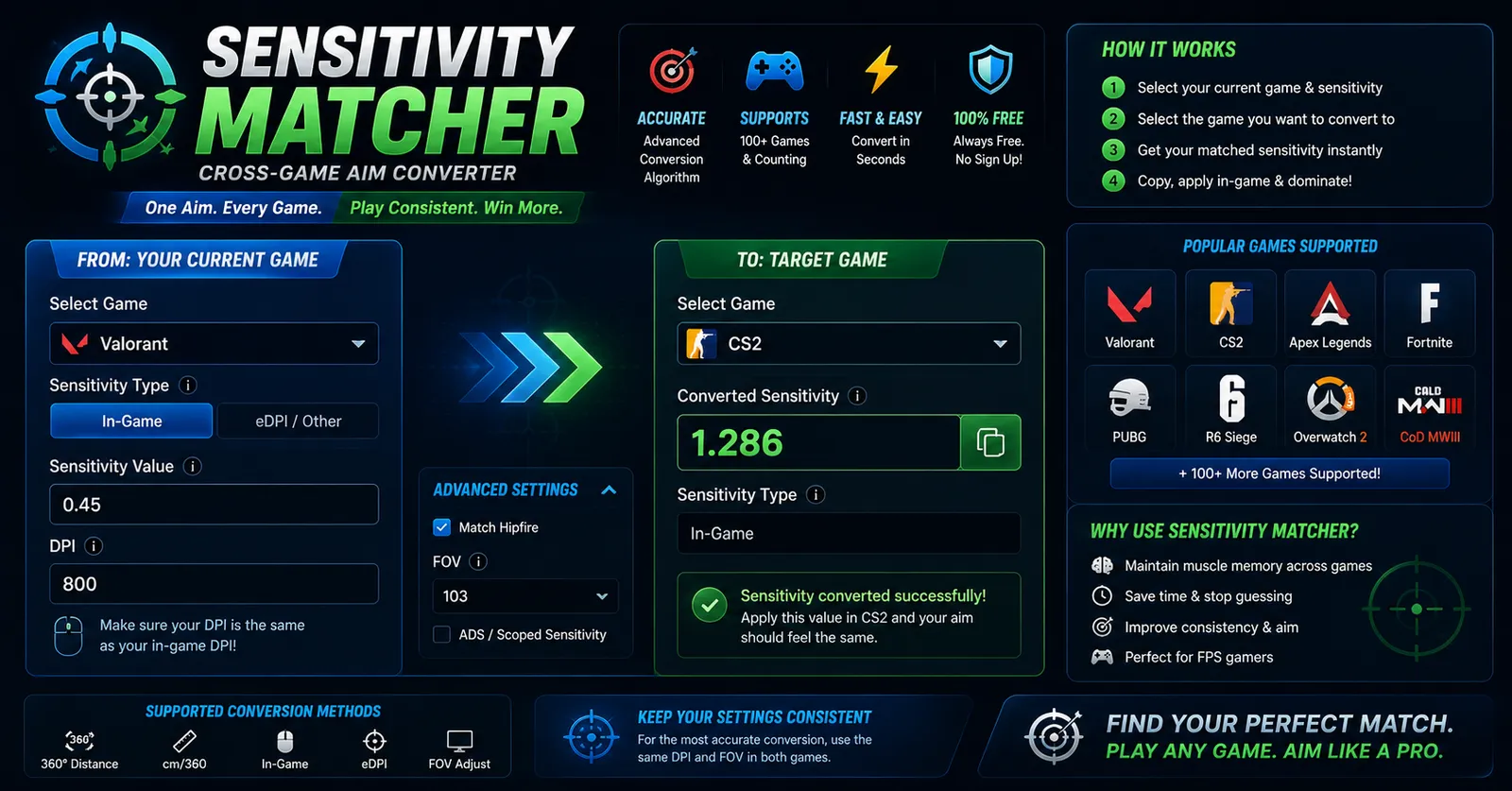
To convert your Valorant sensitivity to CS2, multiply your Valorant sensitivity by the ratio of their yaw constants (0.07 / 0.022):
CS2 Sensitivity = Valorant Sensitivity * 3.181818Worked Example: If your Valorant sensitivity is 0.35, your CS2 sensitivity is: 0.35 * 3.181818 = 1.114.
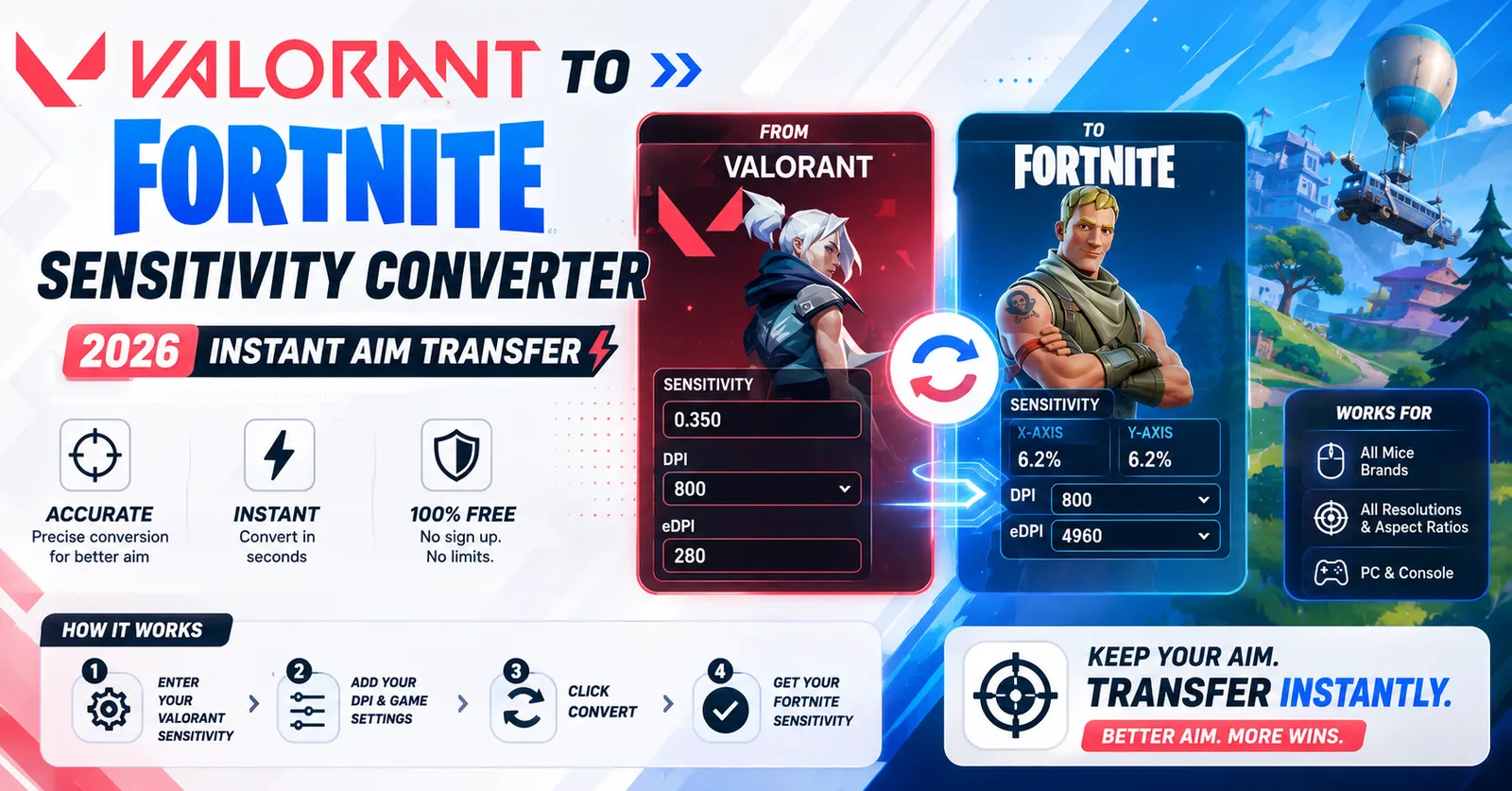
2. Fortnite to CS2 Formula
Fortnite sensitivity represents a percentage scalar against Unreal's 0.0005555 base value. To convert your Fortnite sensitivity percentage to CS2:
CS2 Sensitivity = (Fortnite % Sensitivity * 2.525)Worked Example: If your Fortnite sensitivity is 6.5%, your CS2 sensitivity is: (6.5 * 2.525) / 10 = 1.641.
3. Apex Legends / Source Engine to CS2
Apex Legends and Team Fortress 2 are built on modified Source engine branches that share the identical 0.022 yaw multiplier with CS2. Therefore, your conversion ratio is a direct 1:1 match:
CS2 Sensitivity = Apex Legends Sensitivity * 1.0Sensitivity Conversion Reference Table
Use the conversion matrix below to quickly look up common competitive sensitivities at 800 DPI:
| Valorant Sens | Fortnite Sens | Apex / Source Sens | CS2 Sens | Physical cm/360 |
|---|---|---|---|---|
| 0.25 | 3.97% | 0.80 | 0.795 | 65.3 cm |
| 0.30 | 4.76% | 0.95 | 0.955 | 54.4 cm |
| 0.35 | 5.56% | 1.11 | 1.114 | 46.6 cm |
| 0.40 | 6.35% | 1.27 | 1.273 | 40.8 cm |
| 0.45 | 7.14% | 1.43 | 1.432 | 36.3 cm |
Field of View (FOV) and Monitor Distance Coefficient Matching
While physical cm/360 distance remains perfectly constant through yaw ratios, players often perceive a slight sensitivity discrepancy due to differing horizontal fields of view. Counter-Strike 2 locks horizontal FOV to 106.26 degrees at 16:9 aspect ratios, whereas Valorant renders at exactly 103 degrees.
If you wish your crosshair flicks to match monitor pixel distance rather than 360-degree rotation, competitive players use Monitor Distance Coefficient matching (MDM). Setting zoom sensitivity ratios in CS2 using zoom_sensitivity_ratio 0.818933 achieves 1:1 focal length matching between hipfire and scoped AWP crosshair movement.
Converting Sensitivities from Overwatch 2 and Call of Duty
Beyond Valorant and Fortnite, players frequently transition to CS2 from other competitive shooters. Applying yaw mathematics ensures smooth conversions:
- Overwatch 2 to CS2: Blizzard's Overwatch 2 utilizes a yaw multiplier of 0.0066. Because 0.022 / 0.0066 = 3.333333, the conversion formula is:
CS2 Sens = Overwatch Sens / 3.333333(or multiplied by 0.3). For example, an Overwatch sensitivity of 5.0 converts to exactly 1.50 in CS2. - Call of Duty (Warzone) to CS2: Modern Call of Duty titles share an identical mouse yaw scalar with Overwatch (0.0066). The formula is identical: divide your Call of Duty sensitivity by 3.333333 to find your matching CS2 value.
Sensor Resolution, Polling Rates, and Smoothing Artifacts
Operating at extremely low DPI (such as 400 DPI) combined with high in-game sensitivity can cause visible pixel angle skipping during long-range sniper micro-adjustments. Transitioning your mouse hardware to 800 or 1600 DPI while lowering your in-game sensitivity proportionally preserves the exact same cm/360 turn distance while increasing sensor report granularity fourfold.
Modern gaming optical sensors (such as the PixArt 3395 or Hero 2) perform with zero hardware smoothing up to 3200 DPI, ensuring that high DPI settings translate your physical hand gestures into clean, uninterrupted crosshair trajectories.
Practical Routine for Calibrating New Sensitivity Settings
- Verify In-Game Raw Input: In CS2 settings, verify that raw mouse input is enabled and mouse acceleration is permanently turned off.
- Practice Stationary Tracking: Stand in an offline target practice map, pick a fixed point on a wall, and strafe left and right while keeping your crosshair anchored directly on the point. If your crosshair lags behind, your sensitivity is too low; if it shakes ahead, your sensitivity is too high.
- Run 180-Degree Swipe Checks: Ensure a comfortable swipe from the center of your mousepad to the outer edge executes a clean 180-degree camera turn so you can check your flank without lifting your mouse.
Hardware Considerations: DPI and Polling Rates
Converting sensitivity numbers is only half the equation. To ensure your aim remains stable between games:
- Keep Hardware DPI Identical: Changing your physical mouse DPI setting (e.g., from 400 to 1600 DPI) changes your cm/360 distance proportionally. Keep DPI constant across all game profiles.
- Windows Mouse Acceleration: Ensure 'Enhance pointer precision' is disabled in your Windows Mouse Properties. Counter-Strike 2 utilizes raw mouse input by default.
- Sub-Tick Input in CS2: CS2 processes input between visual frames via sub-tick packets. Consistent polling rates (1000 Hz or higher) maximize tracking fidelity.
Aim Tools and Sensitivity Calculators on WinroGames
Explore our complete suite of precision aim utilities:
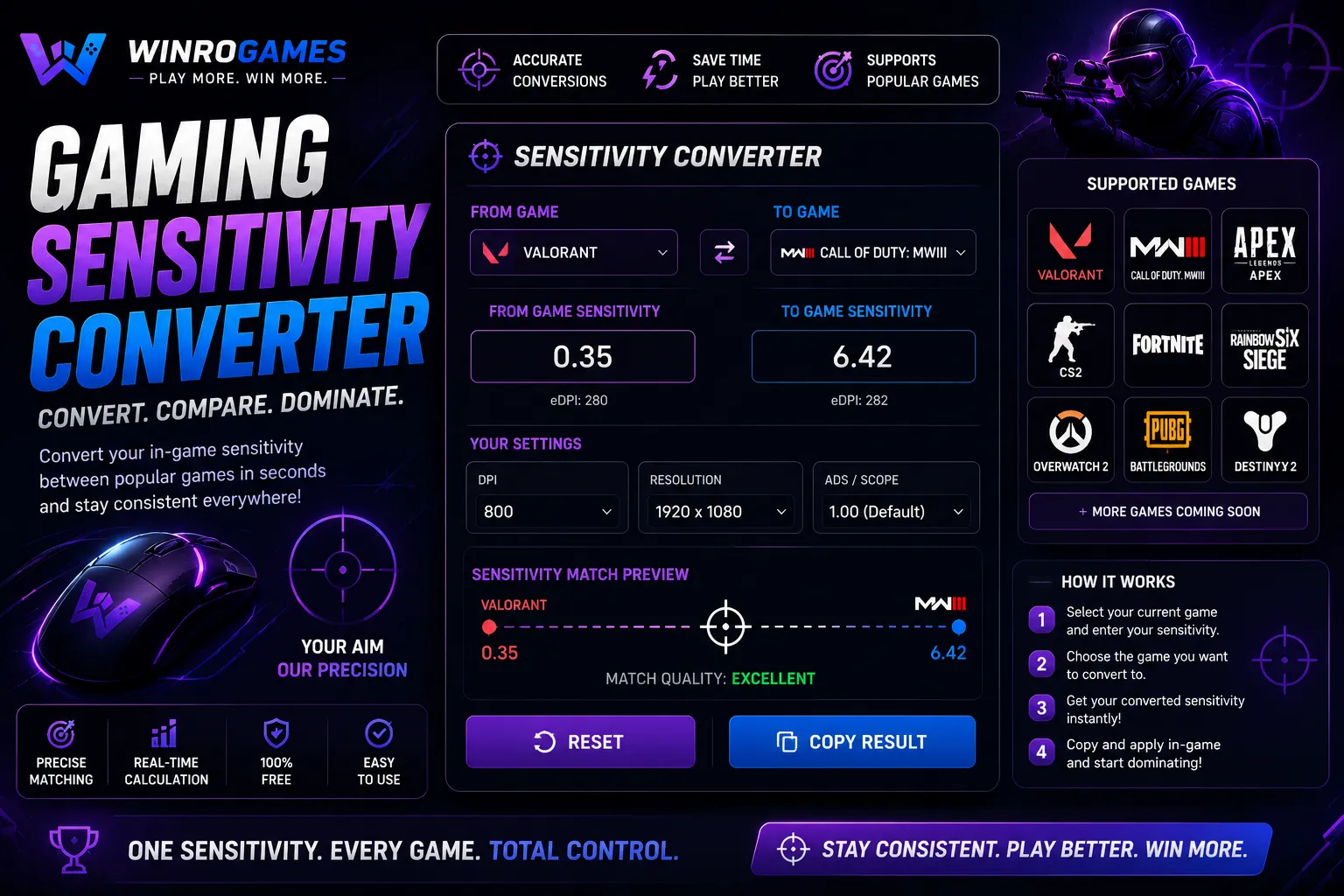
- Calculate multi-game conversions instantly with our interactive Sensitivity Matcher.
- Calculate your physical eDPI and hardware metrics using our Mouse DPI Calculator.
- Warm up your mouse tracking and flick precision with our browser Aim Trainer.
- Review cross-game formulas in our dedicated guide on Valorant to Fortnite sensitivity conversion.
Frequently Asked Questions
Does field of view (FOV) change my physical cm/360 distance?
No. Physical cm/360 distance is governed purely by yaw multipliers and mouse counts. However, differences in horizontal FOV between CS2 (106.26 horizontal at 16:9) and Valorant (103 horizontal) create a slight difference in perceived visual speed on your monitor screen.
What is eDPI in CS2?
Effective DPI (eDPI) is calculated by multiplying your mouse hardware DPI by your in-game sensitivity (e.g., 800 DPI * 1.0 sensitivity = 800 eDPI). Most competitive players operate between 600 and 1000 eDPI.
Can you enter decimal sensitivities directly into the CS2 console?
Yes. Open the CS2 developer console (tilde key ~) and type sensitivity 1.114 to apply precision floating-point values that bypass the visual slider.
Why does 400 DPI feel different from 1600 DPI at the same cm/360?
Higher DPI sends four times more position reports to the operating system per inch of physical movement, resulting in smoother micro-adjustments with less pixel stepping, although total physical turn distance remains identical.
Does Windows display scaling (125% or 150%) affect CS2 sensitivity?
No. When raw mouse input is active in Counter-Strike 2, operating system display scaling percentages are completely bypassed. The game engine reads raw hardware counts directly from the USB HID buffer, ensuring that your physical cm/360 turn distance remains 100% consistent across different desktop monitor scaling settings.
Does CS2 support custom m_yaw values?
Yes. In the console, typing m_yaw 0.022 restores standard yaw. Some players using 4:3 stretched resolutions modify m_yaw to 0.0165 to make horizontal and vertical crosshair speeds feel visually uniform on stretched monitors.
Sources & Technical Mathematics
- Valve Corporation. Source 2 Engine Console Command Reference: sensitivity & m_yaw (2024).
- Riot Games Developer Blog: Input Processing and Unreal Engine Camera Yaw Multipliers.
- WinroGames Aim Mechanics and Sens Matched Calculation Library (2026).