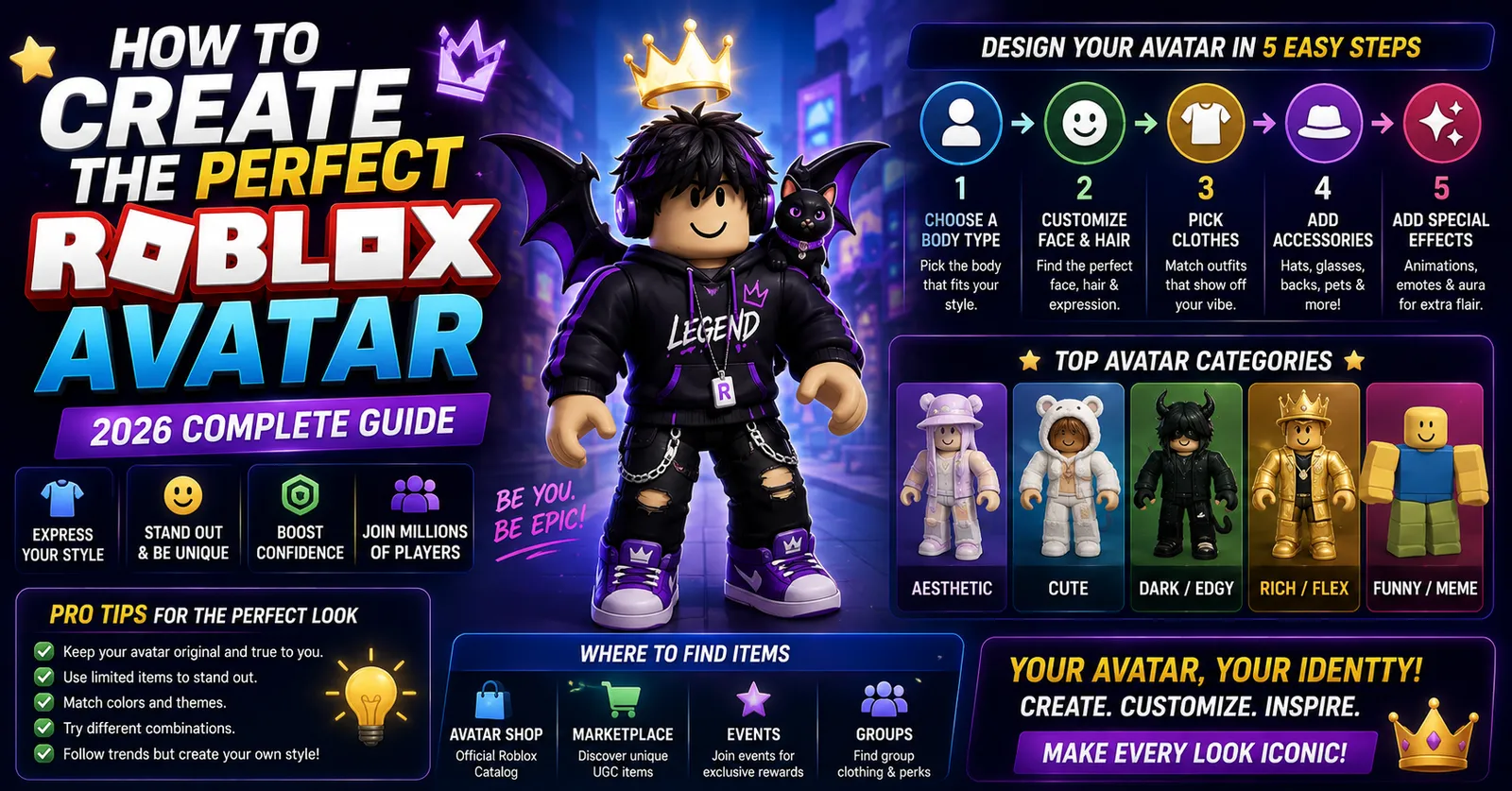
Learning how to create a Roblox avatar involves understanding character scaling rigs, 3D layered clothing parameters, and visual silhouette balance to design a distinct personal aesthetic on any budget. Whether building a classic blocky retro character or a highly customized modern look, designing a Roblox character requires technical familiarity with limb attachments, asset stacking limits, and proportional scaling. This step-by-step guide explains how to design an avatar with clean visual cohesion and balanced aesthetics across all experiences.
Step 1: Choose Your Base Character Rig (R6 vs R15)
Before purchasing or equipping cosmetics, you must choose your base character rig. Roblox characters are built on one of two primary articulation skeletons:
- R6 Rig (Classic): Composed of exactly 6 body parts (Head, Torso, Left Arm, Right Arm, Left Leg, Right Leg). Movement animations are rigid, stylized, and iconic. R6 is preferred in classic obstacle courses (obbys) and retro games because hitboxes are predictable and jump arcs are uniform.
- R15 Rig (Modern): Composed of 15 articulation joints (including separate shoulders, elbows, wrists, knees, and ankles). R15 supports dynamic animations, custom emotion emotes, and 3D layered clothing deformation.
Step 2: Proportions, Scaling, and Hitboxes
In the avatar customization menu under Body > Scale, players can adjust six proportional sliders:
- Height: Scales vertical stature (typically 90% to 105%).
- Width: Scales lateral torso and limb thickness (typically 80% to 100%).
- Head Size: Proportions head scale relative to shoulders. Smaller heads accentuate accessory silhouettes.
- Proportions Slider: Blends between blocky comic proportions and elongated realistic anatomy.
- Body Type: Modulates overall skeletal mass.
Step 3: Navigating Layered Clothing vs Classic 2D Textures
Roblox supports two distinct clothing technologies:
- Classic 2D Clothing: Flat texture maps wrapped directly onto torso and limb meshes. Available at budget-friendly entry prices in the marketplace, classic 2D shirts and pants eliminate polygon clipping and run reliably across all device configurations.
- Layered 3D Clothing: Cage-mesh 3D garments (jackets, hoodies, dresses, shoes) that flex and wrap organically over any body shape. You can stack multiple layers (e.g., a jacket over a graphic tee).
3D Cage Mesh Deformation Principles
Layered clothing operates on an inner and outer cage mesh framework. The inner cage matches the surface of your avatar's underlying body parts, while the outer cage defines the outer boundary of the garment. When you stack garments (such as a winter parka over a dress shirt), the game engine calculates vertex displacements so the outer garment stretches smoothly over the inner layer without unsightly polygon interpenetration.
Accessory Limits and Stacking Rules
Roblox allows equipping accessories across multiple avatar slots. Standard categories include:
| Accessory Slot | Standard Limit | Best Practice |
|---|---|---|
| Hats & Hair | Up to 3 combined | Pair one base hair with one accent hat to prevent mesh clipping |
| Face & Neck | 1 to 2 items | Ensure glasses align cleanly with head mesh depth |
| Shoulder & Front | 1 to 2 items | Balance visual weight so items do not obstruct camera angles |
| Back & Waist | 1 to 2 items | Choose items that complement your character's spine angle |
Color Coordination and Silhouette Balancing
Professional avatar creators follow the 60-30-10 color rule used in interior and graphic design:
- 60% Dominant Base Color: Usually applied to pants, jackets, or body skin tone (e.g., charcoal, denim, or pastel cream).
- 30% Secondary Coordinating Color: Applied to shirts, hair, or hats (e.g., navy blue, white, or chestnut).
- 10% Vibrant Accent Highlight: Reserved for accessories like glowing eyewear, shoulder pets, or footwear accents to draw the eye to key focal points.
Inspecting and Testing Avatar Assets
Before purchasing items from the marketplace, evaluate how components look in combination using our dedicated tools:
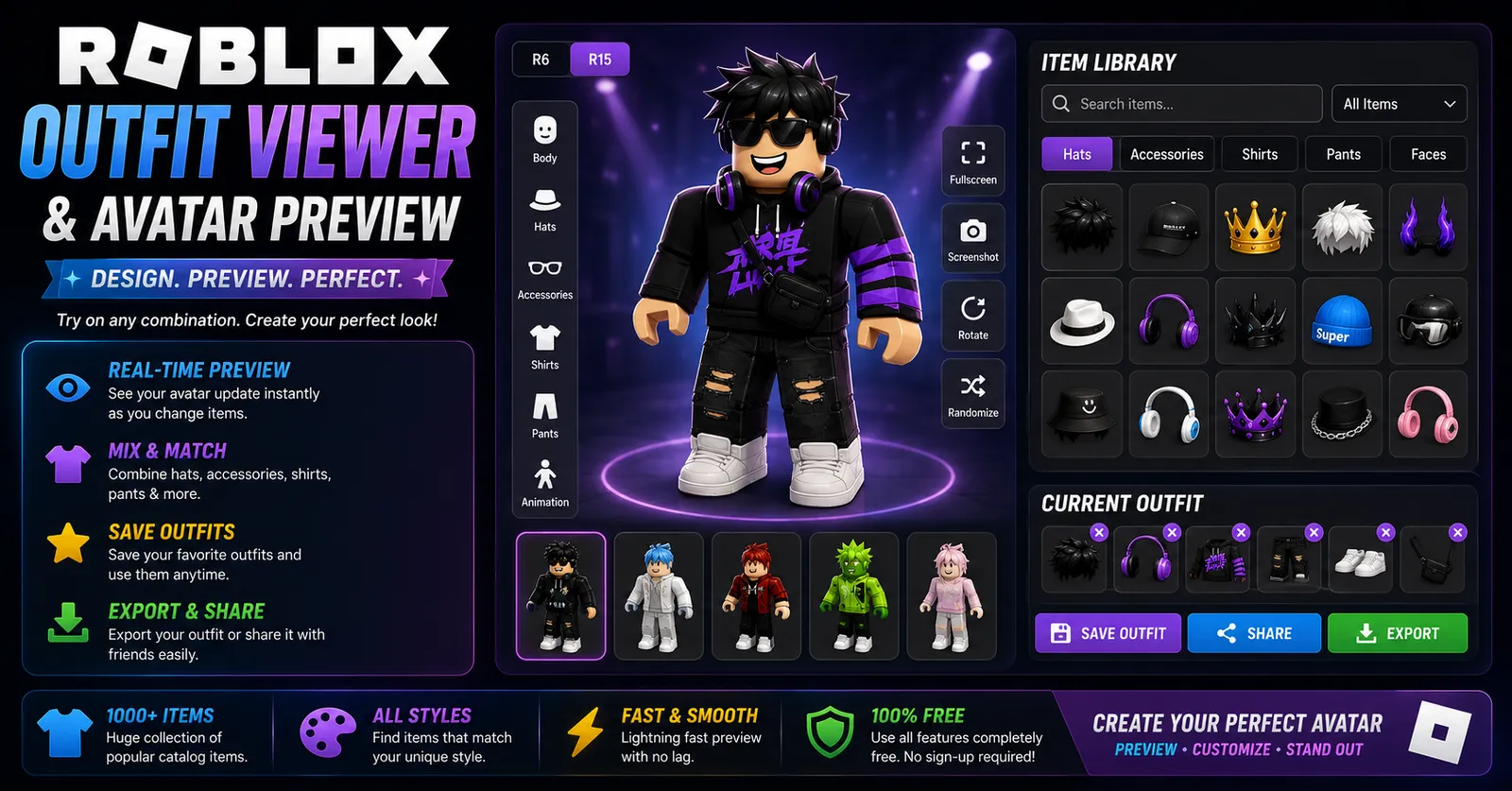
- Preview layered clothing and test 3D asset IDs with our Roblox Outfit Viewer.
- Inspect community avatar values and gear metrics using our Roblox Avatar Analyzer.
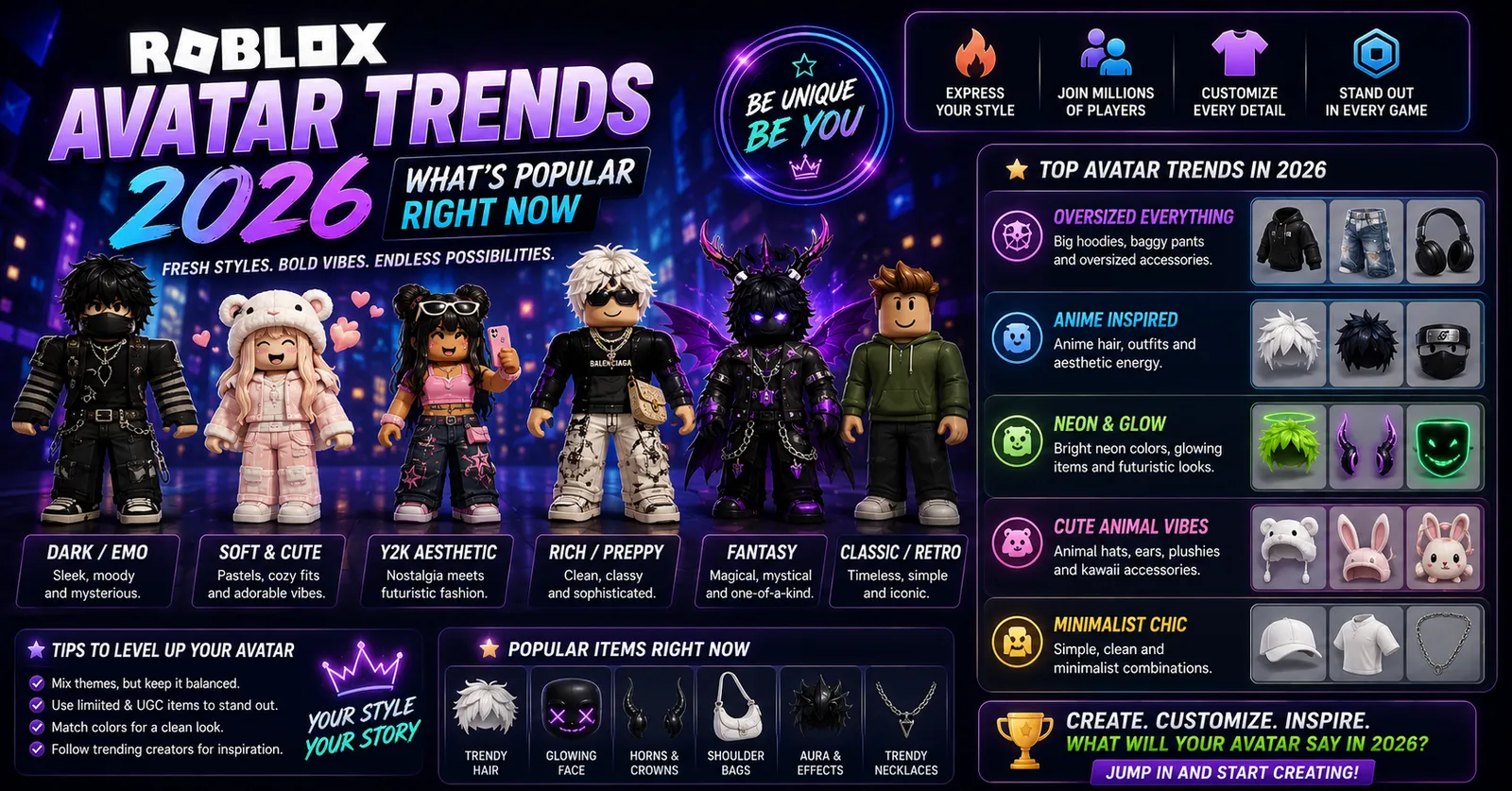
- Check trending community aesthetics in our guide on Roblox avatar trends.
- Find great free titles to play with your new look in our guide on free Roblox games for beginners.
UV Texture Mapping and Seam Alignment
When applying classic 2D clothing textures to your avatar, understanding UV coordinate mapping ensures your garments do not look warped or pixelated. Roblox standard avatar templates utilize a defined UV image map divided into front, back, side, and bottom coordinates for each limb. High-quality community clothing designers align horizontal stripes and collar hems across texture seams so that arm and torso joints flow seamlessly during walking animations.
Competitive Silhouette Design in Action Experiences
In competitive Roblox battlegrounds and speedrun obbys, avatar silhouette design carries gameplay consequences. Oversized back accessories (like giant dragon wings or radiant particle halos) expand your visual footprint on opponent screens, making your position easier to spot across long distances. Competitive players often adopt low-profile silhouettes with compact hair accessories and muted apparel to minimize visual visibility.
Step-by-Step UGC Shopping and Verification Checklist
- Check Item Scale Tags: Inspect whether a UGC hat is labeled 'Mini', 'Chibi', or 'Standard' to avoid purchasing accessories that float comically above your head mesh.
- Inspect Community Reviews and Try-On: Always load the asset ID into our 3D previewer before purchasing to test how the accessory coordinates with your existing inventory.
- Verify Creator Authenticity: Purchase UGC items directly from reputable community modelers to avoid buying stolen or infringing assets that may be moderated off the platform.
Balancing Performance Overhead and Mobile Rendering
While stacking multiple 3D layered jackets and high-density hair meshes looks impressive in the avatar editor, excessive polygon counts introduce noticeable client rendering overhead. In graphics-intensive multiplayer experiences, avatars with high triangle counts can trigger frame drops on budget mobile devices and older laptops.
To optimize performance while preserving style, adhere to clean modeling guidelines: prioritize classic 2D base shirts and pants for primary coverage, and utilize at most two or three lightweight 3D accessory accents. This approach ensures your avatar loads instantaneously across all server regions while maintaining high visual polish.
Alpha Channel Masking and Texture Transparency
When designing or purchasing classic 2D clothing templates, understanding 32-bit PNG alpha channels is vital. High-quality community designers utilize smooth alpha transparency gradients along shirt cuffs, collar hems, and ripped jeans to blend textures naturally onto underlying skin tones. Poorly formatted textures lacking proper alpha masking display harsh black or white outline fringes that ruin avatar aesthetics.
Common Avatar Mistakes to Avoid
- Aggressive Polygon Clipping: Layering bulky 3D jackets over oversized hair meshes causes severe texture clipping during running animations.
- Visual Clutter: Equipping excessive accessories without a unified color scheme creates an overwhelming, unreadable character silhouette.
- Buying Non-Refundable Sizing Mistakes: Some user-created UGC hats are scaled specifically for mini-avatars or oversized heads; always preview items in 3D before committing currency.
Frequently Asked Questions
Can you wear two hair accessories at the same time?
Yes. In the web browser avatar editor, navigate to Accessories > Hair, scroll to the bottom, click 'Advanced', and enter the Asset IDs of both hairs to wear them simultaneously.
Are free avatar items available in the catalog?
Yes. The marketplace offers hundreds of official free items. Filter the catalog by Price: Low to High or search 'Free' to claim them.
Does avatar size impact gameplay performance?
In games that support custom R15 scaling, smaller avatars have slightly smaller physical collision bounds. However, most competitive games enforce standardized R6 rigs to maintain fair play.
Can you transfer purchased avatar items between accounts?
Standard catalog items and layered clothing cannot be transferred between accounts. Only limited-edition collectibles (Limiteds) can be traded between Roblox Premium subscribers.
Why do some accessories float away from my character's body?
Floating accessories occur when UGC items are designed for specific body packages (such as Robloxian 2.0 or Woman torso) and equipped onto standard blocky bodies without scaling adjustments.
Sources & Technical Standards
- Roblox Creator Hub: Avatar Character Specifications & Layered Clothing Cage Standards (2025).
- Roblox Marketplace Asset Creation Guidelines & Polygon Limits.
- WinroGames 3D Roblox Asset Inspection Suite (2026).