
Gaming Tools & Generators
Discover our collection of free tools built specifically for gamers. From name generators to in-game calculators.

Roblox Avatar Analyzer
Free Roblox Avatar Analyzer. Enter any Roblox username to instantly see account age, join date, follower/friend/following counts, avatar items by category, verified badge status, ban status, body scales, and a full profile breakdown — all using Roblox's public API. No login required.

Browser Aim Trainer
Free browser-based FPS aim training tool with four modes: Gridshot, Flick Shot, Tracking, and Reflex. Features real game sensitivity matching (cm/360) for CS2, Valorant, Apex Legends, and more, plus custom crosshair integration from the Crosshair Generator. No download or account required.
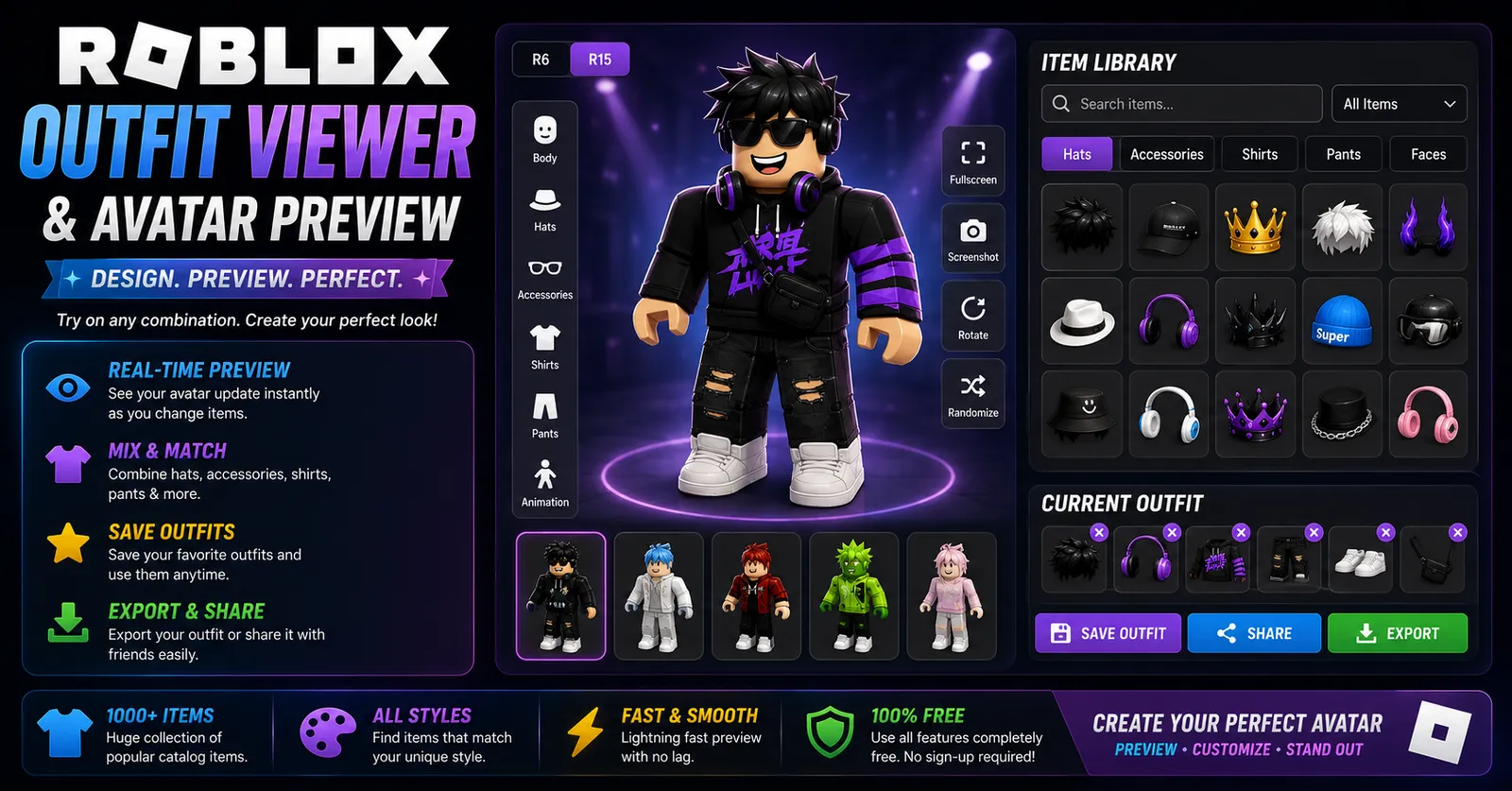
Roblox Outfit Viewer
View any Roblox avatar instantly with our free Roblox Outfit Viewer. Preview outfits, accessories, bundles, clothing, animations, and avatar details online.
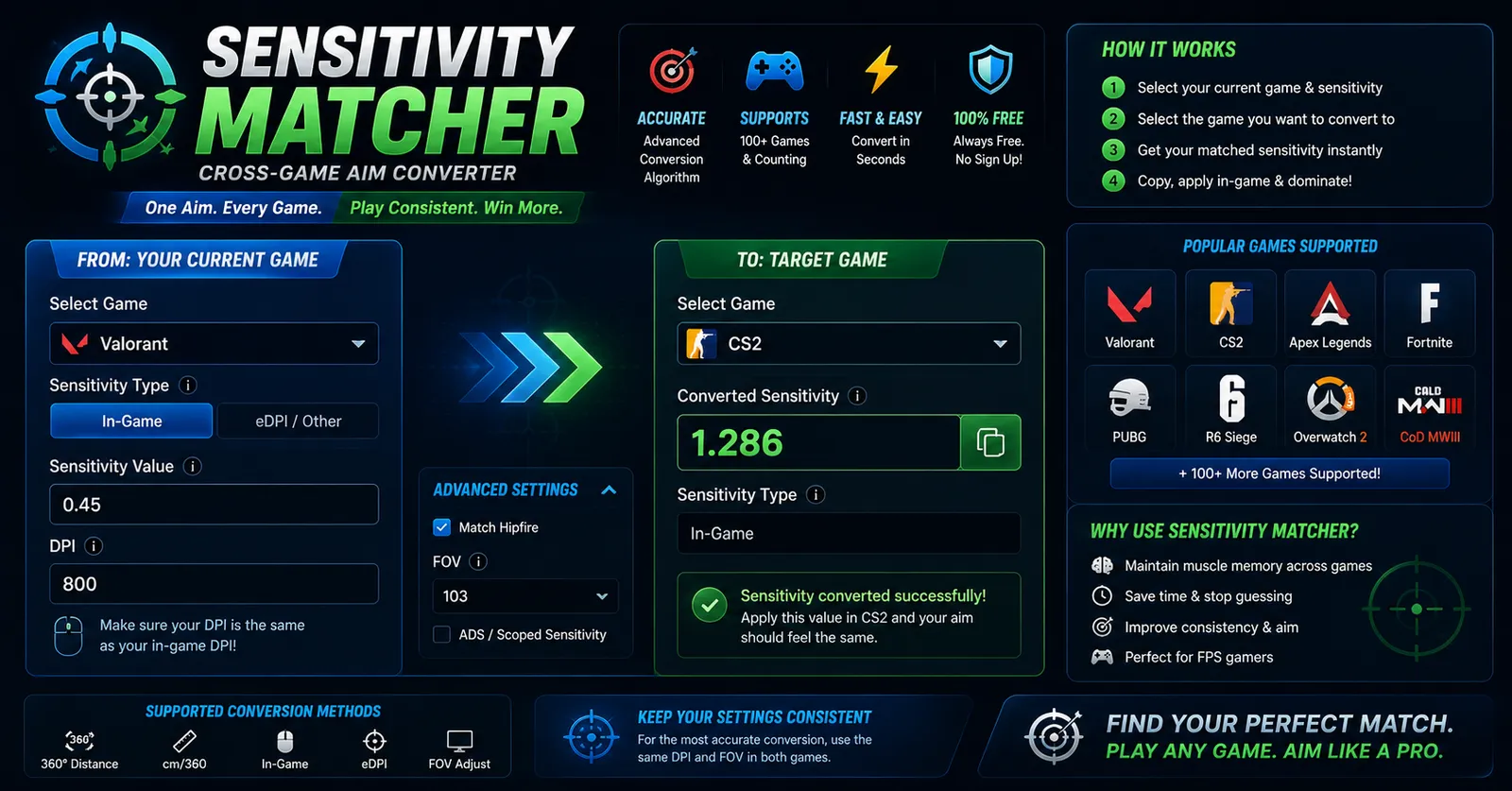
Sensitivity Matcher
Convert your mouse sensitivity between FPS games instantly with pinpoint accuracy. Match muscle memory seamlessly.
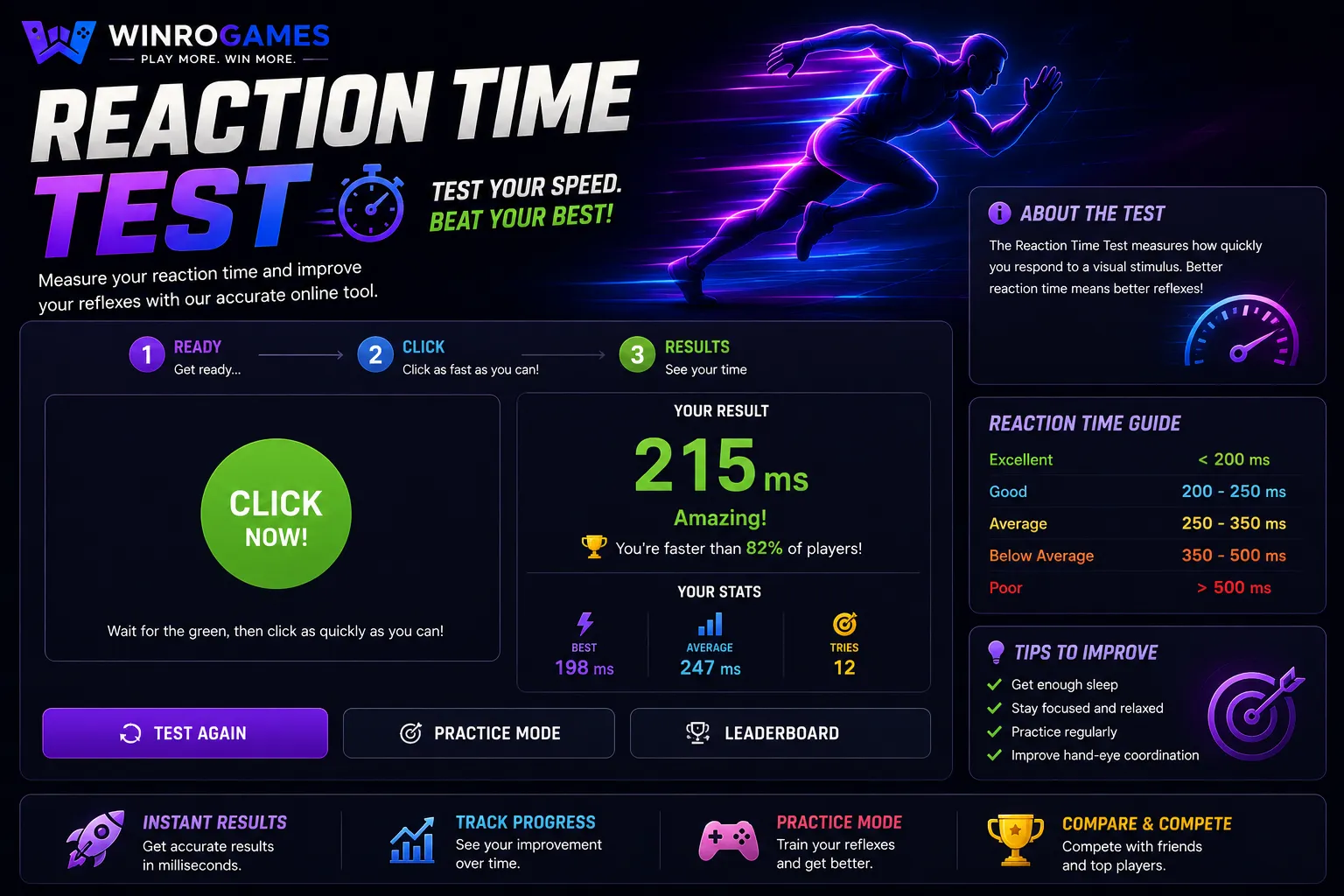
Reaction Time Test
Test your visual reaction speed, track your personal best, and see how your gaming reflexes compare to the rest of the world.
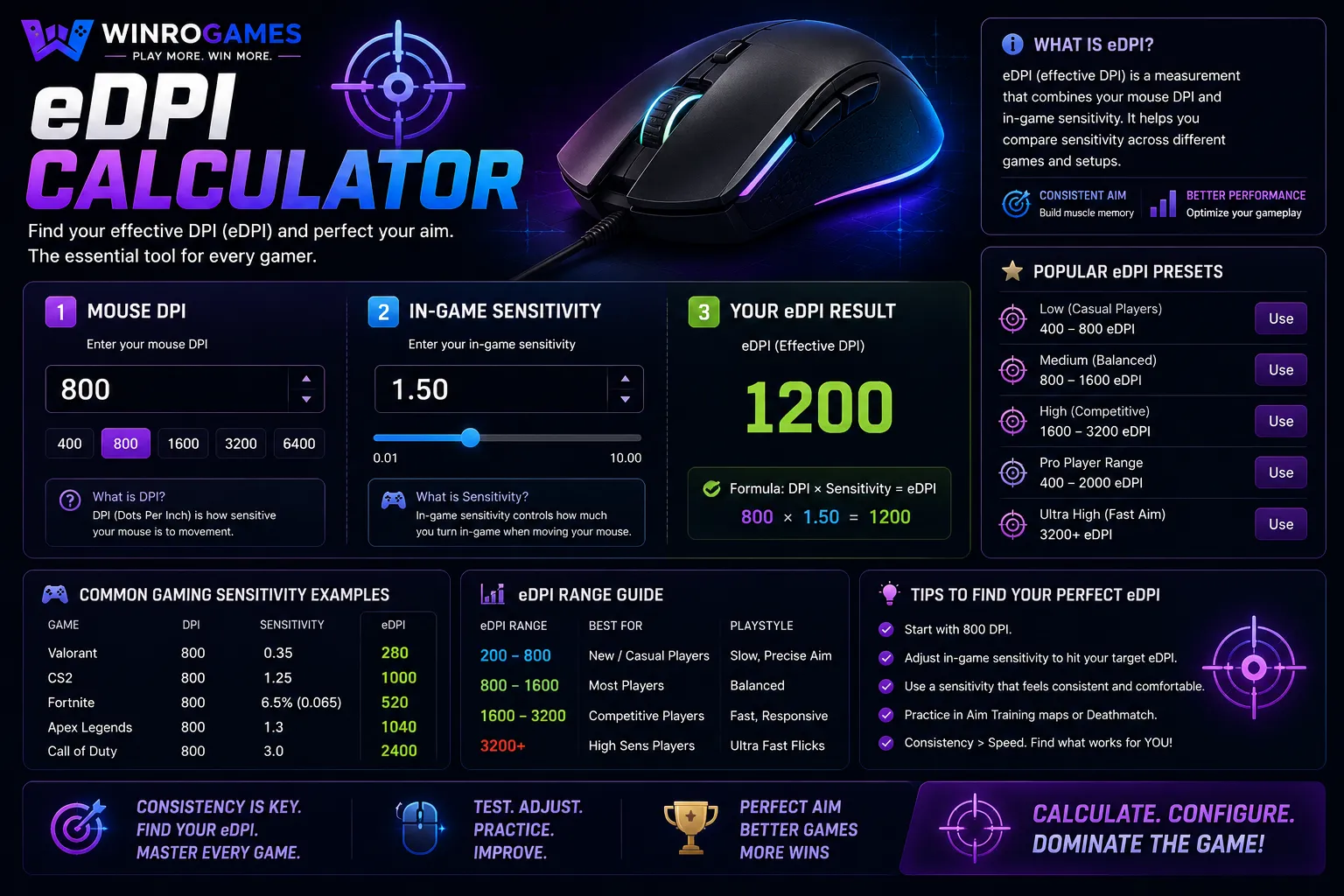
eDPI Calculator
Calculate your Effective DPI (eDPI) instantly to find your perfect gaming sensitivity. Compare your settings against professional eSports players.
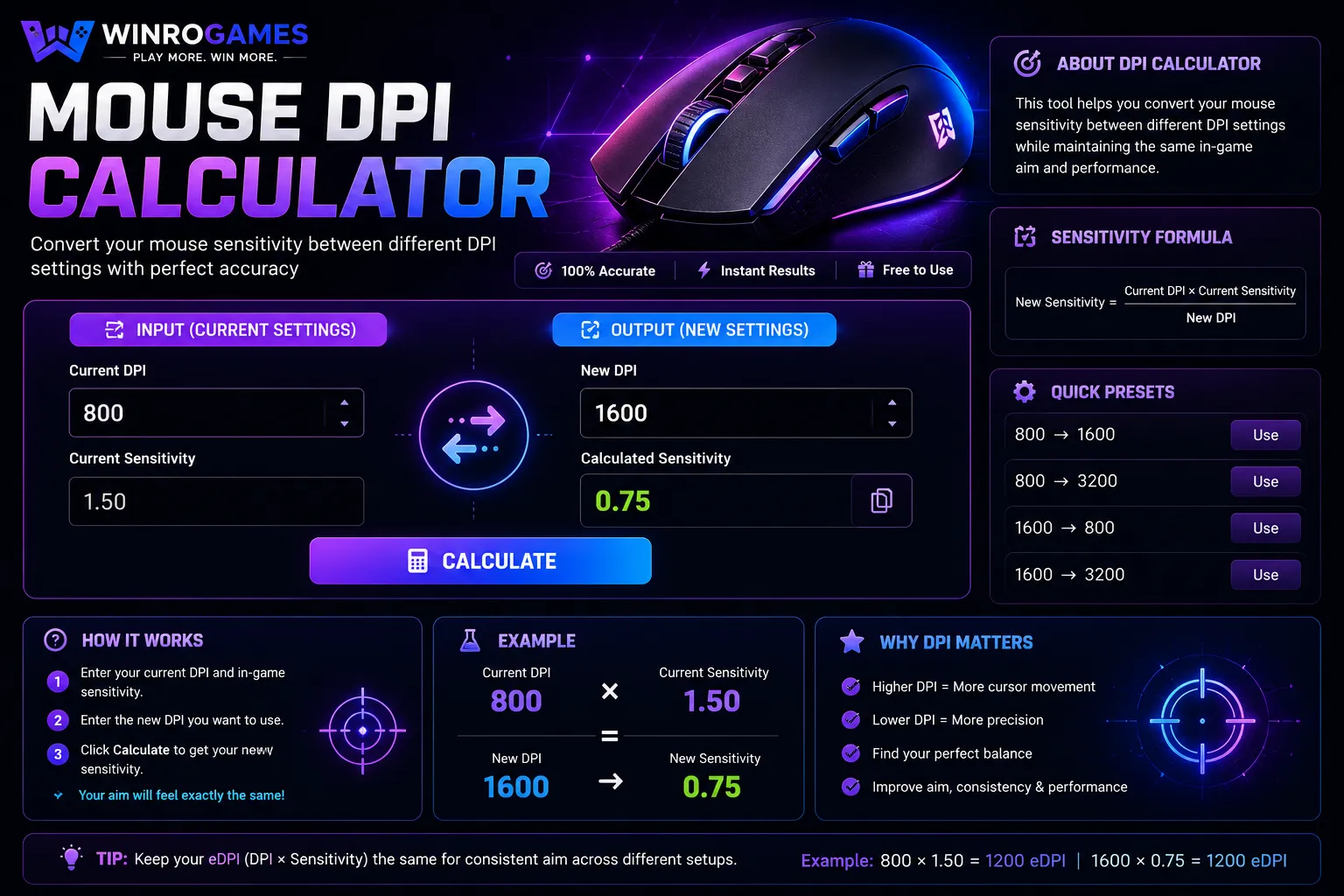
Mouse DPI Calculator
Use our advanced Mouse DPI Calculator to convert your gaming sensitivity, calculate eDPI, measure cm/360, and find the best mouse settings for Valorant, CS2, Apex Legends, and more.
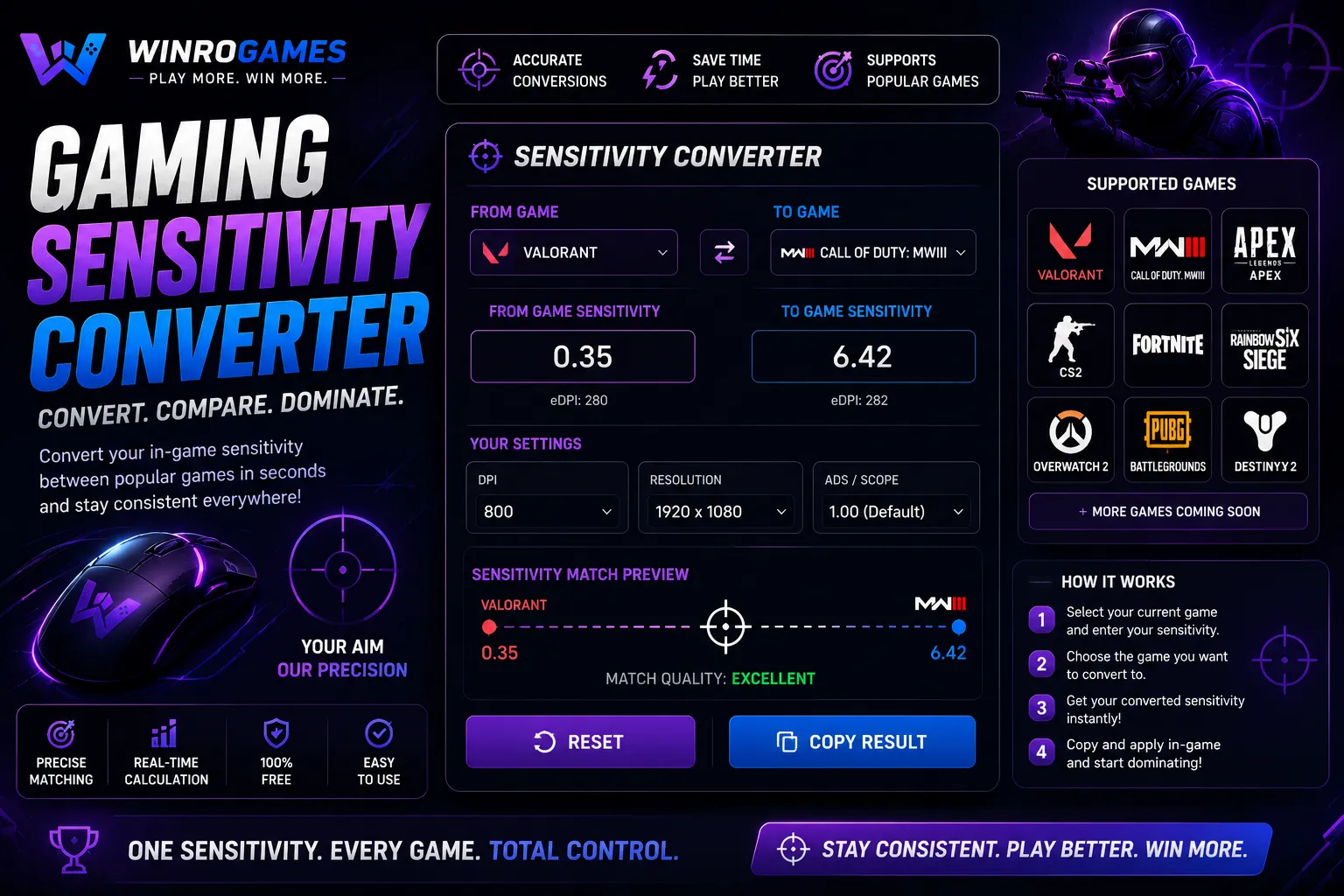
Gaming Sensitivity Converter
Our gaming sensitivity converter calculates exact cross-game mouse rotation matching between first-person shooters. Preserve muscle memory with identical cm/360 rotation distances across Counter-Strike 2, Valorant, Fortnite, and Apex Legends without software downloads.
Crosshair Generator
Design custom reticles with our crosshair generator for CS2 and Valorant. Configure reticle thickness, center dot radius, outline opacity, and dynamic spread in real time with instant console command export.
Gaming Username Generator
Generate cool gamer handles with our gaming username generator. Explore phonetic name formulas, tryhard gamertags, and clan handles for competitive Discord, Steam, and Roblox profiles with one-click copying.
Gaming Font Generator
Convert standard text into stylized Unicode glyphs with our gaming font generator. Design aesthetic typography for profile bios on Discord, Roblox, Steam, and Twitch. Compatible with modern web platforms and chat apps with instant one-click clipboard copying.
Precision Utilities for Modern Gamers
WinroGames currently provides 11 browser-based gaming tools built for FPS competitors, profile designers, and sandbox gamers. Every tool runs directly in client-side JavaScript within your browser — no desktop installation, no registration, and no telemetry tracking. Whether you are standardizing your 360-degree rotation distance between engines or generating high-contrast crosshairs, these utilities provide instantaneous, mathematically verified output.
Calculators
Trigonometric utilities that calculate Effective DPI (eDPI), true cm/360 distance, and exact slider conversions across Source and Unreal engines.
Generators
Design utilities for custom reticles, verified Unicode gamertags, and stylized profile typography that render reliably across Discord, Steam, and Roblox.
Reflex Benchmarks
Client-side benchmarking tools utilizing native requestAnimationFrame loops to measure visual reaction speed and flick accuracy without network lag.
How to Choose the Right Tool
- Switching FPS Engines: If you are transitioning between CS2, Valorant, Fortnite, or Apex Legends, use the Sensitivity Matcher or Mouse DPI Calculator. These maintain your exact physical centimeter-per-360 rotation distance so your mechanical muscle memory remains intact.
- Normalizing Team Aim: If you are comparing settings with teammates or configuring a new mouse sensor DPI, use the eDPI Calculator to standardize effective sensitivity values into a single metric.
- Reticle Visibility: When default game reticles blend into map backdrops, use the Crosshair Generator to design high-contrast cyan or bright green reticles with black borders, then export them via console commands or Riot profile strings.
- Pre-Match Warmup: Run 3 to 5 rounds on the Reaction Time Test and Aim Trainer to calibrate ocular tracking and index finger responsiveness before launching competitive ranked queues.
How Our Tools Are Selected and Built
We select and build utilities based on three strict engineering principles: zero third-party software dependencies, mathematical accuracy verified against engine documentation, and complete user privacy. We do not host wrapped third-party iframes or tools requiring executable downloads. All calculations, sensitivity conversions, and asset previews process purely in local browser memory.
For first-person shooter sensitivity formulas, we maintain a public table of documented engine yaw variables. You can review the exact yaw values, trigonometric formulas, and engine quirks in our dedicated Sensitivity Yaw Reference Guide.
Frequently Asked Questions
Do these tools require downloading any software?
No. Every utility operates 100% within your web browser using vanilla HTML5, CSS, and modern JavaScript. You do not need to install browser extensions, native clients, or configuration files.
Is my hardware or input data stored on your servers?
No. Inputs such as your mouse DPI, sensitivity numbers, reaction times, and generated tags are processed strictly on your device. We do not store or transmit your personal input data.
Why does the same cm/360 turn feel different in different games?
Even when physical mousepad travel is mathematically identical, differences in Field of View (FOV) and camera rendering perspective alter your visual perception of rotation speed. Wider horizontal FOVs make peripheral movement appear slightly faster.
Sensitivity reference data
Every sensitivity tool here uses one shared table of per-game yaw values. See the values, the conversion formula and which games are verified.
Mouse sensitivity yaw values by game →Browse tools by type
- Calculators — eDPI, DPI and sensitivity maths
- Generators — usernames, fonts and crosshairs
- All gaming tools