
Gaming Tools
Benchmark visual reaction speed, train flick accuracy, and inspect 3D Roblox cosmetics directly in your web browser with zero downloads.
Precision Utilities for Competitive Players
Our online gaming tools provide responsive browser-based utilities built to benchmark your hardware setup, measure click response timing, and calibrate mechanical execution. While casual browser titles provide leisure, competitive shooting and esports require exact physical consistency. The utilities listed here address concrete practical questions regarding reaction latency, click timing, sensor calibration, and mouse accuracy.
Every utility operates directly in client-side JavaScript with zero downloads, account registrations, or local installation requirements. Whether you are running the Reaction Time Test to gauge visual stimulus response, training flick consistency in the Aim Trainer, or analyzing hardware metrics with our Mouse DPI Calculator, each application provides immediate numerical feedback.
Benchmarking Standards and Response Timing
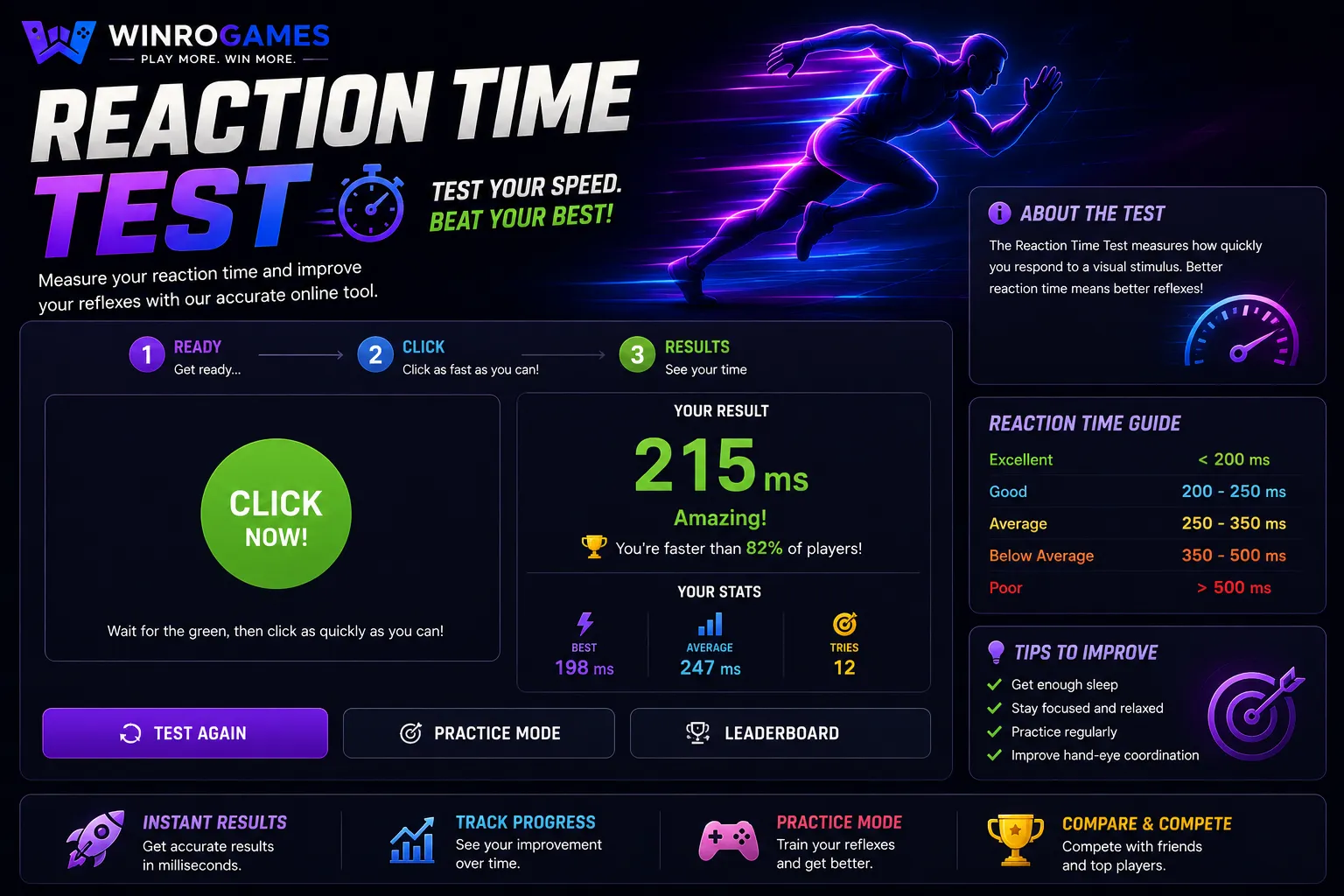
Human visual stimulus processing typically averages between 200 and 250 milliseconds. Hardware factors such as monitor refresh rate (60 Hz vs. 144 Hz or 240 Hz), USB polling rate (typically 1000 Hz in modern optical gaming mice), and browser compositing delays all influence recorded reaction times. Our benchmarking utilities run on the browser's native requestAnimationFrame event loops to deliver precise client-side timing without server round-trip delays.
For crosshair training and sensitivity alignment, maintaining a consistent physical centimeter-per-360 turn distance ensures your muscle memory remains reliable across diverse gaming environments. Using calibrated input utilities lets you identify whether missed shots stem from inconsistent physical mouse travel, hardware sensor smoothing, or incorrect angular multiplier ratios.
Hardware Polling and Sensor Synchronization
Modern gaming mice poll the USB bus at 1000 Hz or higher, reporting delta coordinates every millisecond. When these packets enter the browser environment, high-frequency mousemove events dispatch raw count increments to the JavaScript runtime. Our calculators and training utilities capture these delta reports without artificial smoothing or operating system pointer acceleration curves.
By measuring raw counts per inch against true physical pad displacement, players can diagnose sensor jitter, determine whether their sensor reaches maximum tracking speed during high-acceleration swipes, and optimize their desk footprint for low-sensitivity arm aiming.
Display Latency, Refresh Intervals, and Frame Delivery
Beyond sensor inputs, visual output latency dictates how quickly a rendered target appears on your display. On a standard 60 Hz monitor, a new image frame arrives every 16.67 milliseconds. Upgrading to a 144 Hz or 240 Hz panel compresses frame delivery intervals down to 6.94 ms and 4.16 ms respectively. This reduction not only diminishes perceptible motion blur during rapid swipes but also shortens the window between physical sensor displacement and visual ocular perception.
Furthermore, pixel response time (often measured as gray-to-gray transition speed) and motion picture response time (MPRT) determine target clarity during tracking. Combining high display frequencies with unaccelerated optical sensors ensures that what you see and where your reticle lands match without hardware-induced spatial lag.
Ergonomics and Pointer Precision Tuning
Operating system mouse settings frequently introduce pointer precision enhancement (commonly known as mouse acceleration), which dynamically alters cursor distance based on swipe speed. For competitive consistency, disabling pointer acceleration in operating system controls ensures linear sensor response. Our benchmarking utilities allow you to verify that physical displacement correlates linearly with screen movement across varying swipe velocities.
Regularly auditing your input chain prevents repetitive wrist strain by establishing comfortable arm-aiming parameters and calibrated desk space ergonomics.
How to Choose the Right Tool
If you play tactical first-person shooters like Counter-Strike 2 or Valorant, start with our Sensitivity Matcher to harmonize your look-speed across engines. If you are experiencing inconsistent micro-adjustments or running out of mousepad room during 180-degree turns, use the Mouse DPI Calculator to verify your true cm/360 distance. When preparing for competitive sessions, run three to five attempts on the Reaction Time Test and Aim Trainer to warm up hand-eye coordination.
Frequently Asked Questions
Do browser aim trainers replace full desktop routines?
Browser trainers are designed for rapid warmups, reflex testing, and cursor calibration. They provide quick visual response benchmarks without launching heavy desktop titles, but should complement rather than fully replace native engine practice.
How accurate are browser reaction tests?
Tests measuring millisecond clicks in modern browsers are accurate to within standard display frame intervals (e.g., ~4.16 ms on a 240 Hz monitor or ~16.6 ms on 60 Hz). Using hardware with raw input and disabling OS-level pointer precision guarantees the most reliable figures.
Are any calculations sent to external servers?
No. All sensitivity formulas, eDPI conversions, and reaction timings execute entirely on your device inside your web browser, ensuring zero network latency and complete privacy.