
Generators
Use free gaming generators on WinroGames to create custom crosshair reticles, stylized Unicode gamer fonts, and unique gamer tags with instant previews.
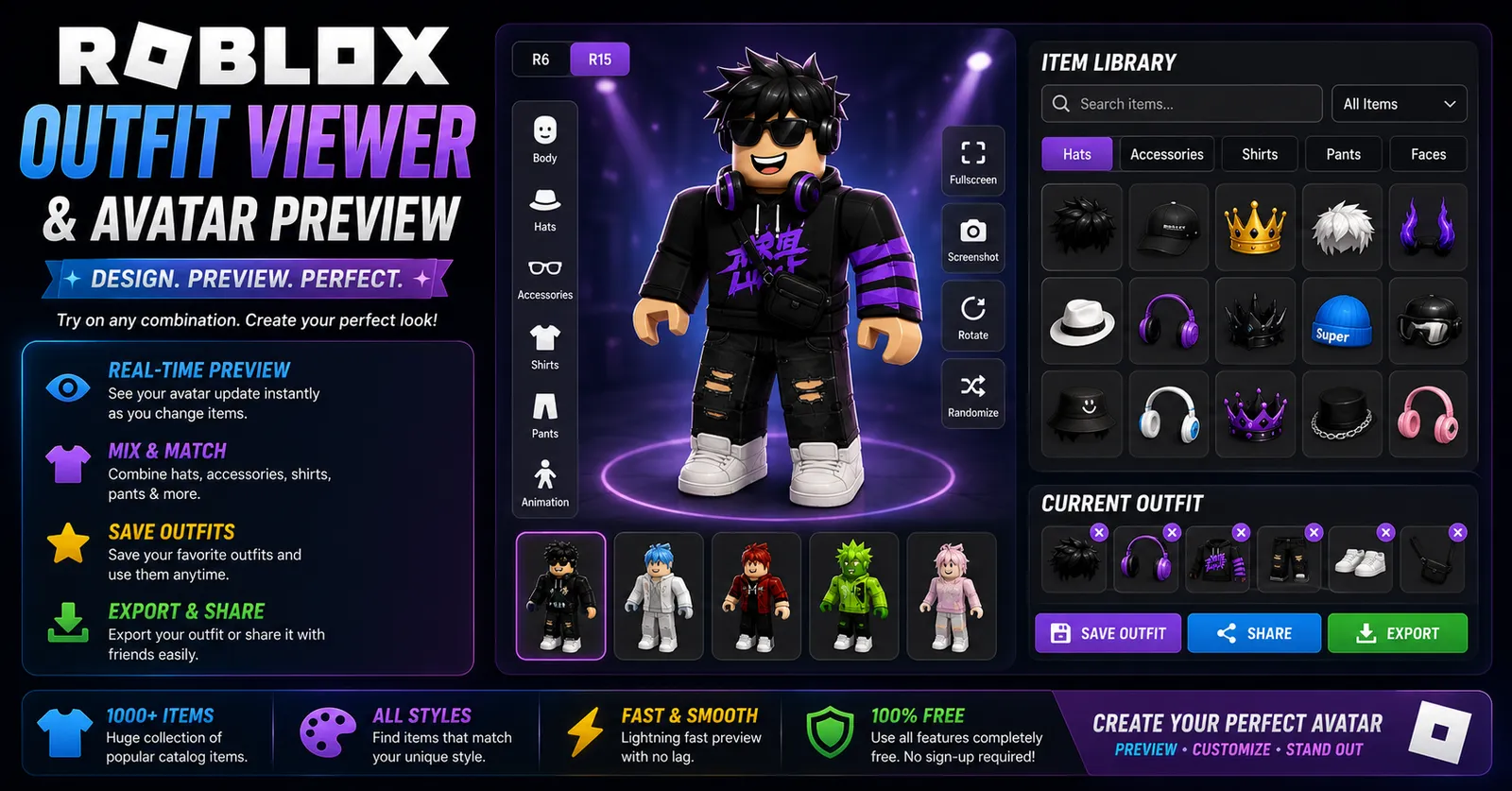
Roblox Outfit Viewer
View any Roblox avatar instantly with our free Roblox Outfit Viewer. Preview outfits, accessories, bundles, clothing, animations, and avatar details online.
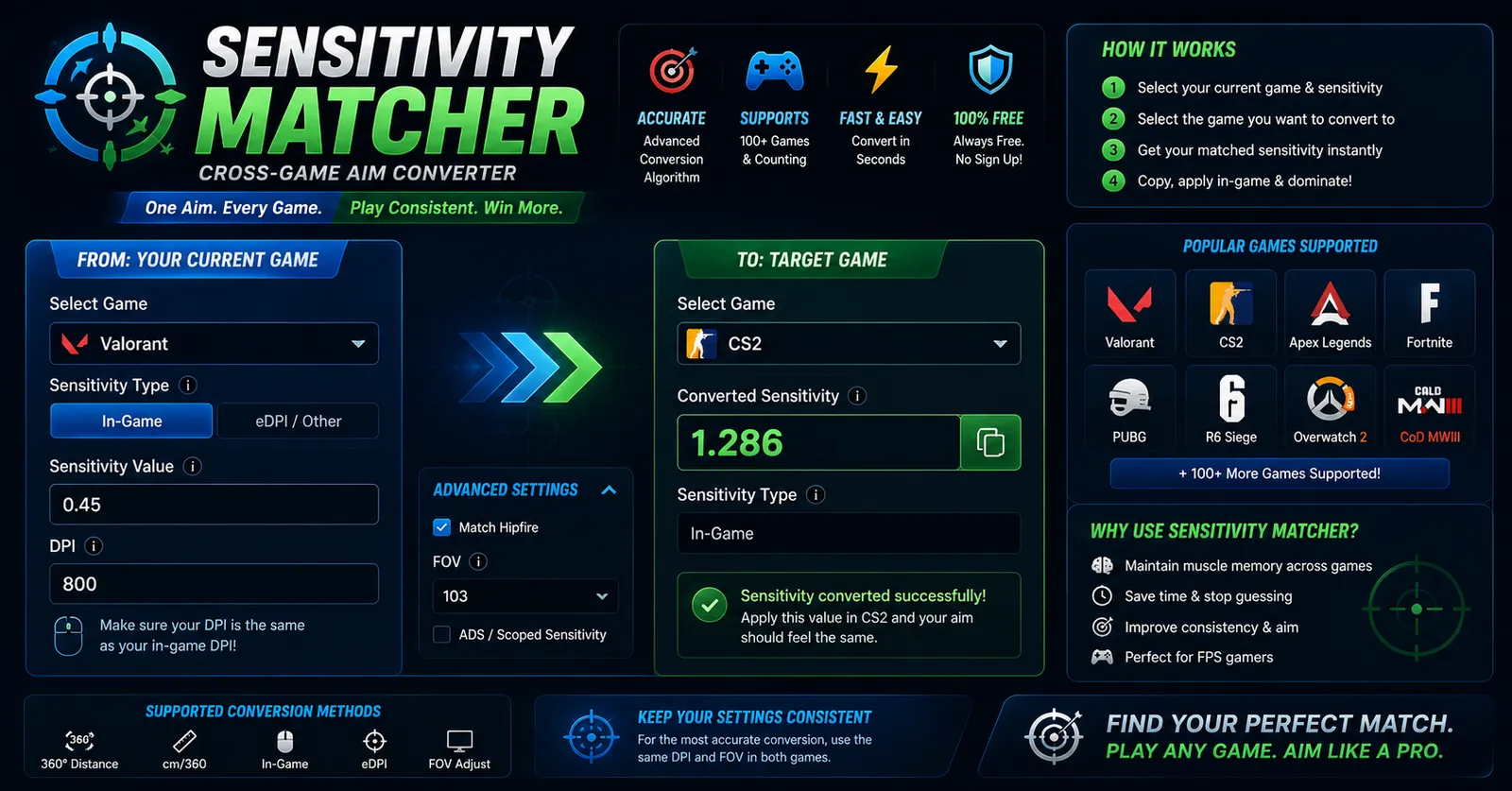
Sensitivity Matcher
Convert your mouse sensitivity between FPS games instantly with pinpoint accuracy. Match muscle memory seamlessly.
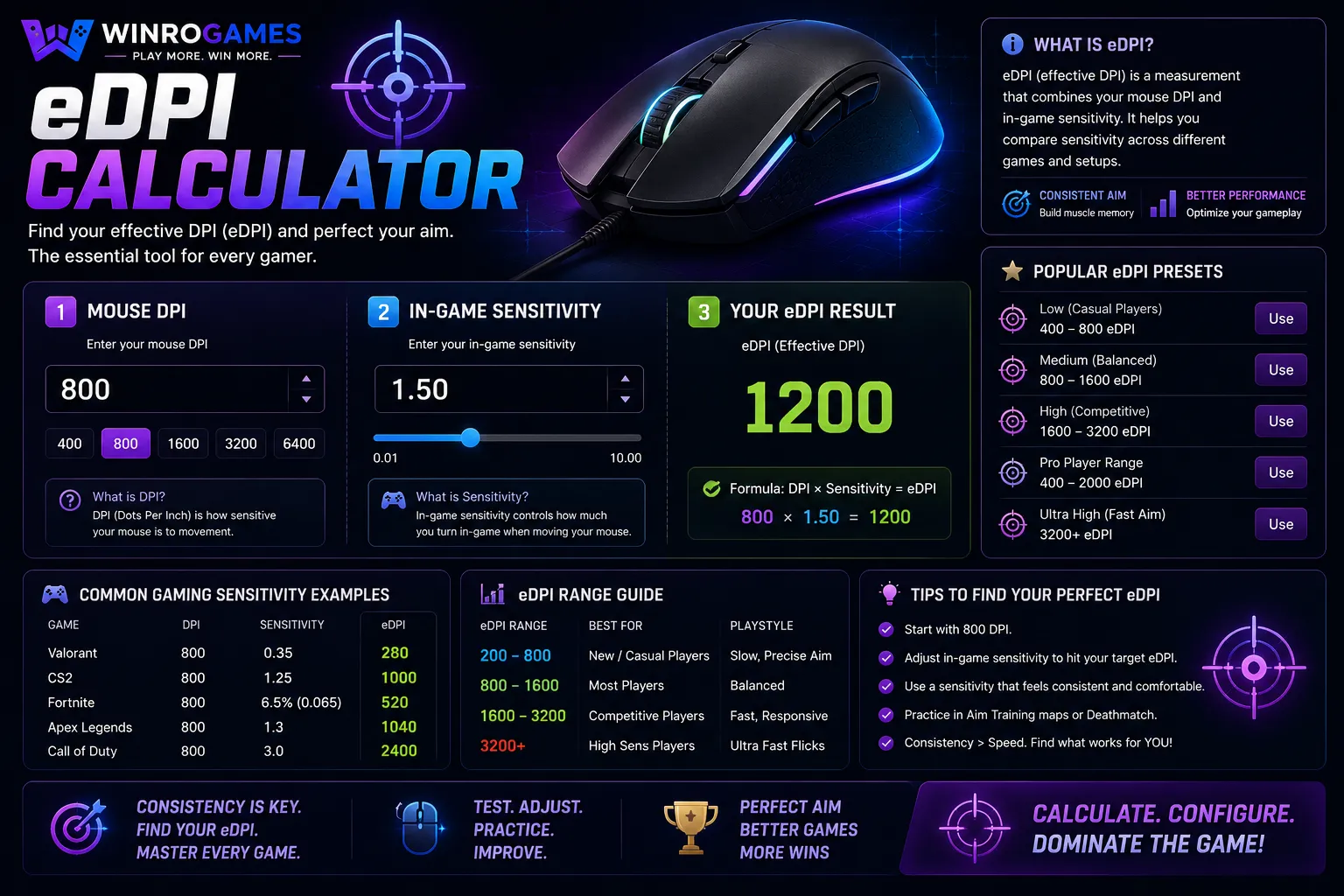
eDPI Calculator
Calculate your Effective DPI (eDPI) instantly to find your perfect gaming sensitivity. Compare your settings against professional eSports players.
Crosshair Generator
Design custom reticles with our crosshair generator for CS2 and Valorant. Configure reticle thickness, center dot radius, outline opacity, and dynamic spread in real time with instant console command export.
Gaming Username Generator
Generate cool gamer handles with our gaming username generator. Explore phonetic name formulas, tryhard gamertags, and clan handles for competitive Discord, Steam, and Roblox profiles with one-click copying.
Gaming Font Generator
Convert standard text into stylized Unicode glyphs with our gaming font generator. Design aesthetic typography for profile bios on Discord, Roblox, Steam, and Twitch. Compatible with modern web platforms and chat apps with instant one-click clipboard copying.
Creative Customization for Gamer Profiles
Our creative customization utilities produce customized player assets, distinctive handles, and stylized typography based on your specific gaming preferences. Instead of inputting numbers into conversion formulas, you select visual styles and starting handles to assemble assets ready for your competitive profiles and multiplayer lobbies.
Every generator offers instant visual feedback in your browser, enabling you to preview crosshair reticles against realistic in-game backdrops, assemble stylized gamer names, or test Unicode character combinations before copying them directly into your game settings or social platforms.
Reticle Design and Profile Typography
Our Crosshair Generator allows players to adjust inner lines, center dot sizing, outlines, and opacity across classic competitive color profiles like cyan, green, and magenta. High-contrast colors remain legible against dark map shadows as well as brightly lit skyboxes, helping you maintain clear target acquisition.
The Gaming Username Generator and Gaming Font Generator utilize verified Unicode alphanumeric ranges, ensuring that generated gamer tags render correctly across modern platforms like Steam, Discord, and Roblox without degrading into missing character glyphs or unreadable question marks.
Visual Ergonomics and Reticle Legibility
In competitive first-person shooters, reticle visibility directly affects target acquisition speed. Human photopic vision exhibits peak sensitivity around 555 nanometers in the green-yellow spectrum. Selecting reticle colors near this wavelength maximizes contrast against textured game environments without requiring distracting thickness.
Furthermore, our reticle utility allows configuring center gaps and outer opacity so that distant player heads remain unobstructed. By previewing reticle geometry against light and dark backdrops simultaneously, players avoid reticle wash-out during intense firefights.
Font Fallbacks and Multiplayer Client Support
When selecting stylized unicode lettering for gamer profiles, client engines apply different font rasterizers. Modern web applications and Discord utilize full system font fallbacks, whereas older game clients may render unsupported codepoints as blank boxes or question marks. Testing your tag in our previewer ensures maximum legibility across both web portals and native game lobbies.
By pairing recognizable alphanumeric bases with subtle aesthetic modifiers, you preserve name legibility for squad communication while maintaining an unmistakable competitive identity.
How to Use These Generators
To design a crosshair, pick your preferred base shape (dot, dynamic gap, or static cross), customize line thickness and alpha transparency, and inspect the preview against high-contrast backgrounds. Once finalized, copy the generated color values and dimension settings. For name generators, enter your preferred keyword or theme, choose from tactical, fantasy, or minimalist stylistic filters, and click any generated result to copy it to your clipboard.
Frequently Asked Questions
Can I import generated crosshairs into games like Valorant or CS2?
Yes. The parameters generated by our Crosshair Generator correspond directly to standard tactical shooter sliders: inner line length, offset gap, thickness, and color values.
Will stylized Unicode fonts work in multiplayer game chats?
Most modern game engines and chat applications support UTF-8 character sets. However, some legacy titles enforce strict ASCII limitations for player names, in which case clean alphanumeric variants are recommended.
Are generated usernames unique?
Our generator combines linguistic roots, competitive prefixes, and thematic suffixes to produce original handles. Availability depends on the specific platform where you register the name.