
Calculators
Use free gaming calculators to convert mouse DPI, in-game sensitivity, and eDPI across CS2, Valorant, and Fortnite with true 360 rotation math.

Roblox Avatar Analyzer
Free Roblox Avatar Analyzer. Enter any Roblox username to instantly see account age, join date, follower/friend/following counts, avatar items by category, verified badge status, ban status, body scales, and a full profile breakdown — all using Roblox's public API. No login required.

Browser Aim Trainer
Free browser-based FPS aim training tool with four modes: Gridshot, Flick Shot, Tracking, and Reflex. Features real game sensitivity matching (cm/360) for CS2, Valorant, Apex Legends, and more, plus custom crosshair integration from the Crosshair Generator. No download or account required.
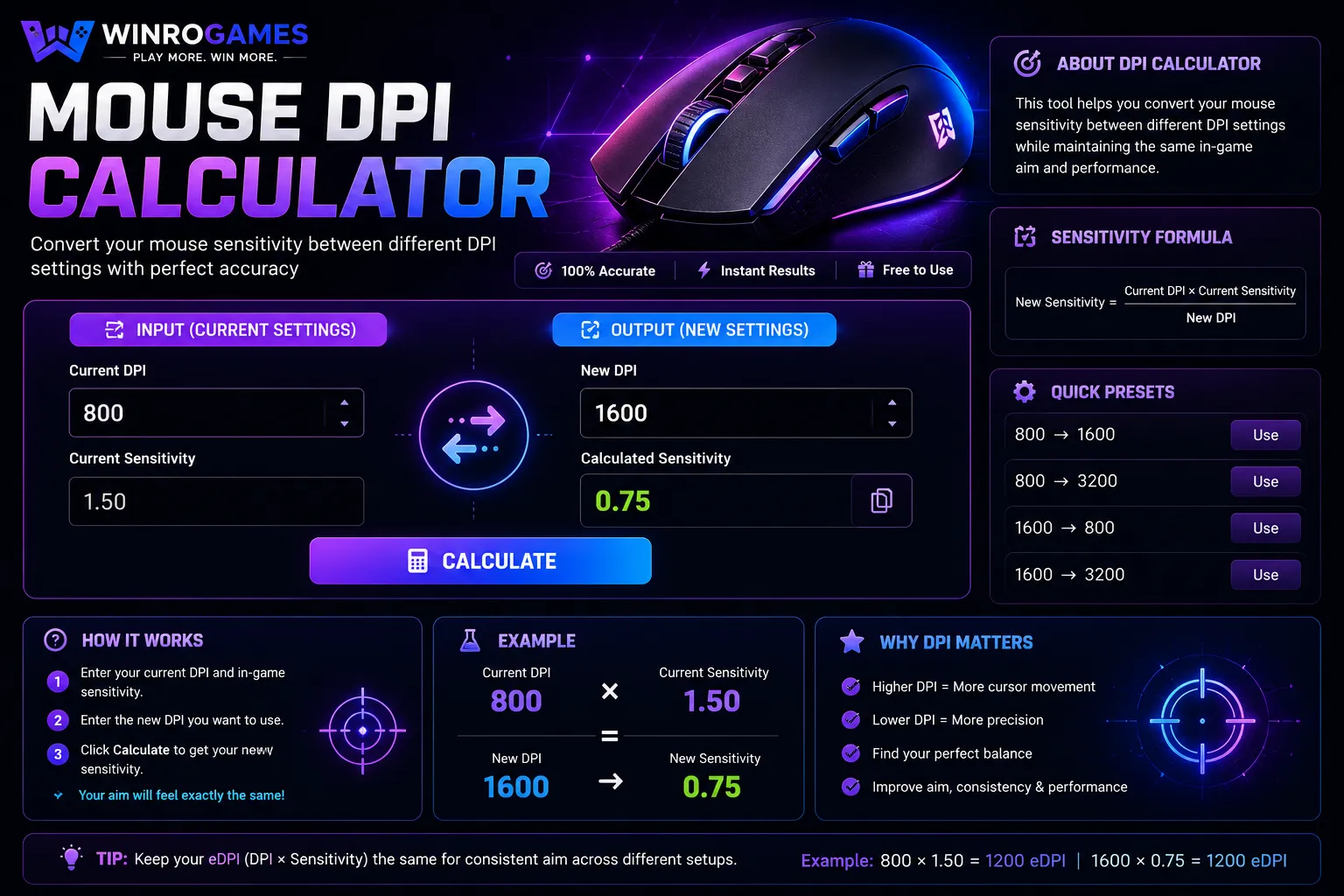
Mouse DPI Calculator
Use our advanced Mouse DPI Calculator to convert your gaming sensitivity, calculate eDPI, measure cm/360, and find the best mouse settings for Valorant, CS2, Apex Legends, and more.
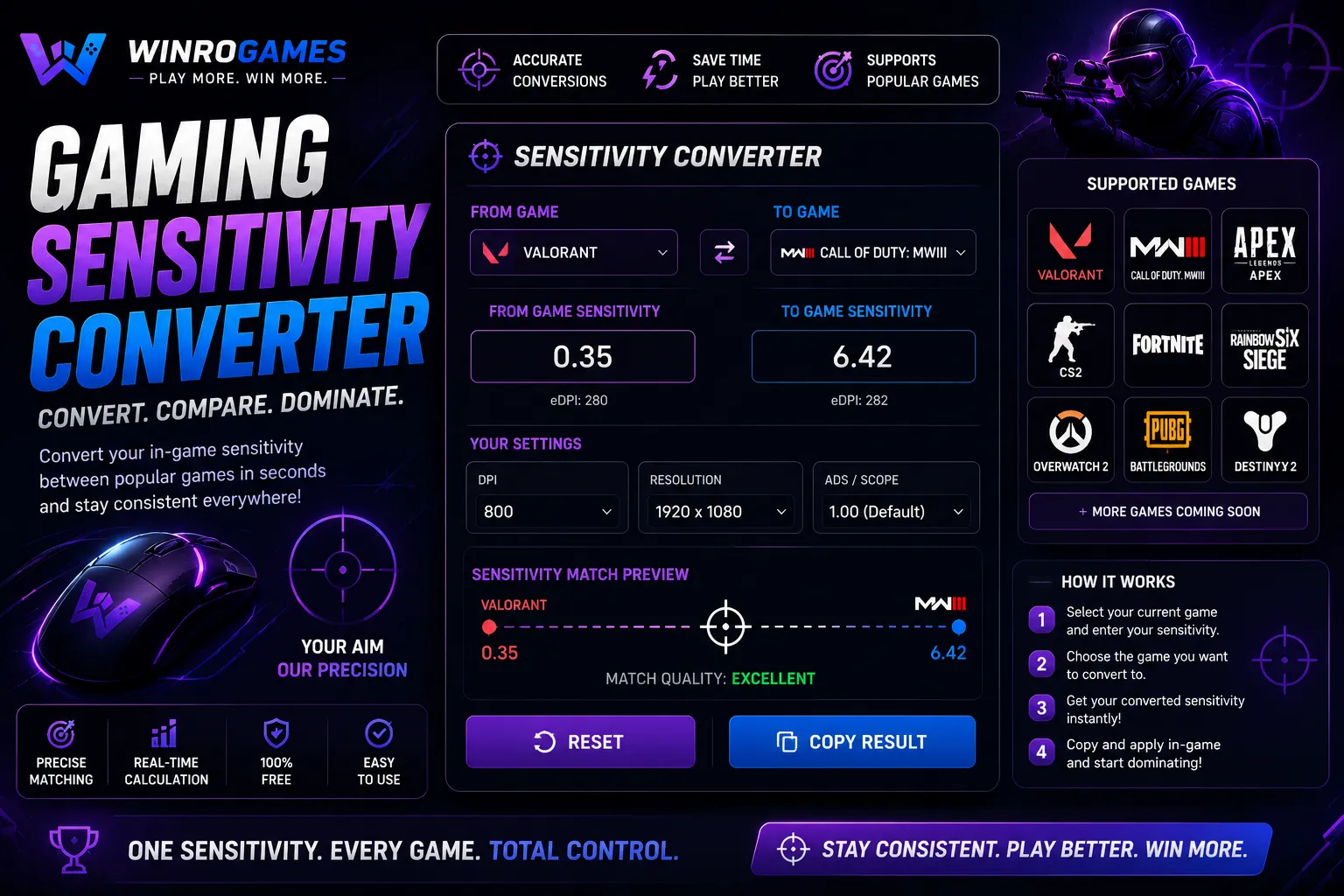
Gaming Sensitivity Converter
Our gaming sensitivity converter calculates exact cross-game mouse rotation matching between first-person shooters. Preserve muscle memory with identical cm/360 rotation distances across Counter-Strike 2, Valorant, Fortnite, and Apex Legends without software downloads.
Engine Math and Sensitivity Conversion
Our sensitivity conversion utilities take your current hardware DPI, in-game sensitivity sliders, and game engine yaw factors to calculate exact mathematical equivalents across titles like Counter-Strike 2, Valorant, Apex Legends, and Fortnite.
Unlike creative generators, these mathematical tools use fixed trigonometry and verified engine yaw factors. The calculations preserve your physical centimeter-per-360 rotation distance so your physical muscle memory remains uniform regardless of engine shifts.
Why Math Precision Matters in First-Person Shooters
Even minor discrepancies in sensitivity settings compound across physical mousepad swipes. For example, the Source engine (CS2, Apex Legends) utilizes a default yaw of 0.022 degrees per count, whereas Unreal Engine implementations (such as Valorant) use a baseline scale of 0.07. Converting between them requires exact division (0.022 ÷ 0.07 ≈ 0.3142857) rather than rough estimates.
By keeping your physical cm/360 identical, your wrist and arm movements travel the exact same distance across your mousepad to clear a 90-degree corner or land a 180-degree defensive flick. This consistency prevents the cognitive friction of readjusting muscle memory between different gaming sessions.
Mathematical Mechanics of cm/360 Rotation
Physical turning distance is governed by the universal rotation equation: cm/360 = (360 × 2.54) ÷ (DPI × In-Game Sensitivity × Engine Yaw). In this relationship, hardware DPI represents mouse counts reported per inch of physical travel, the in-game sensitivity acts as a user scaling factor, and engine yaw dictates the angular degrees rotated per count.
When switching between game engines with divergent yaw values, failing to adjust the in-game multiplier alters the physical distance required for horizontal tracking. Our calculators execute high-precision floating point divisions to ensure angular parity across title transitions.
Aspect Ratio, FOV Scaling, and Monitor Distance Matching
Competitive players frequently utilize stretched custom resolutions (such as 4:3 stretched on a 16:9 monitor) to widen player target models horizontally. While stretching pixels alters horizontal visual velocity, internal camera yaw calculations remain fixed. The physical mouse travel required to turn 360 degrees does not change when stretching resolution, though the crosshair appears to travel faster across the physical screen.
Additionally, differing Field of View (FOV) rendering pipelines—such as horizontal 16:9 FOV versus vertical 4:3 FOV—alter how angular rotations translate across the 2D viewport. By applying monitor distance coefficient matching (such as 0% for pure tracking accuracy or 133% for flick alignment), players can calibrate scoped magnification and hipfire look speeds with mathematical precision.
Native Sensor Steps and Sensor Smoothing Thresholds
Modern optical sensors perform optimally at native CPI increments (typically multiples of 400, 800, or 1600 counts per inch). At excessively elevated DPI levels (such as 10,000+ DPI), certain sensor firmwares activate algorithmic smoothing or averaging filters across frames to suppress microscopic surface jitter. This smoothing introduces variable micro-latencies of 2 to 8 milliseconds during rapid direction reversals.
Calibrating your setup with our tools allows you to pair a clean native sensor step with an appropriate in-game sensitivity divisor, preserving instant 1:1 sensor responsiveness without triggering firmware post-processing delays.
How to Use the Calculators
First, enter your mouse hardware DPI (common standards are 400, 800, or 1600 DPI). Next, input your existing in-game sensitivity from your primary title. The calculator determines your true Effective DPI (eDPI = Sensitivity × DPI) and computes the exact in-game slider value needed in your target title to maintain your physical rotation distance.
Frequently Asked Questions
Why does an identical cm/360 sometimes feel different in a new game?
Even when physical travel matches 1:1, differences in Field of View (FOV), camera height, character model speed, and aspect ratio affect visual movement perception. Higher FOVs make identical physical turns visually appear slightly slower.
What is eDPI and how is it used?
Effective DPI (eDPI) normalizes sensitivity by multiplying hardware DPI by in-game sensitivity. A player using 400 DPI with 2.0 in-game sensitivity has an eDPI of 800, identical to someone using 800 DPI with 1.0 in-game sensitivity.
Does mouse polling rate affect sensitivity calculations?
Polling rate (measured in Hz, such as 500 Hz or 1000 Hz) changes report frequency, not angular rotation. Higher polling rates provide smoother tracking and lower input latency without altering your mathematical cm/360 distance.