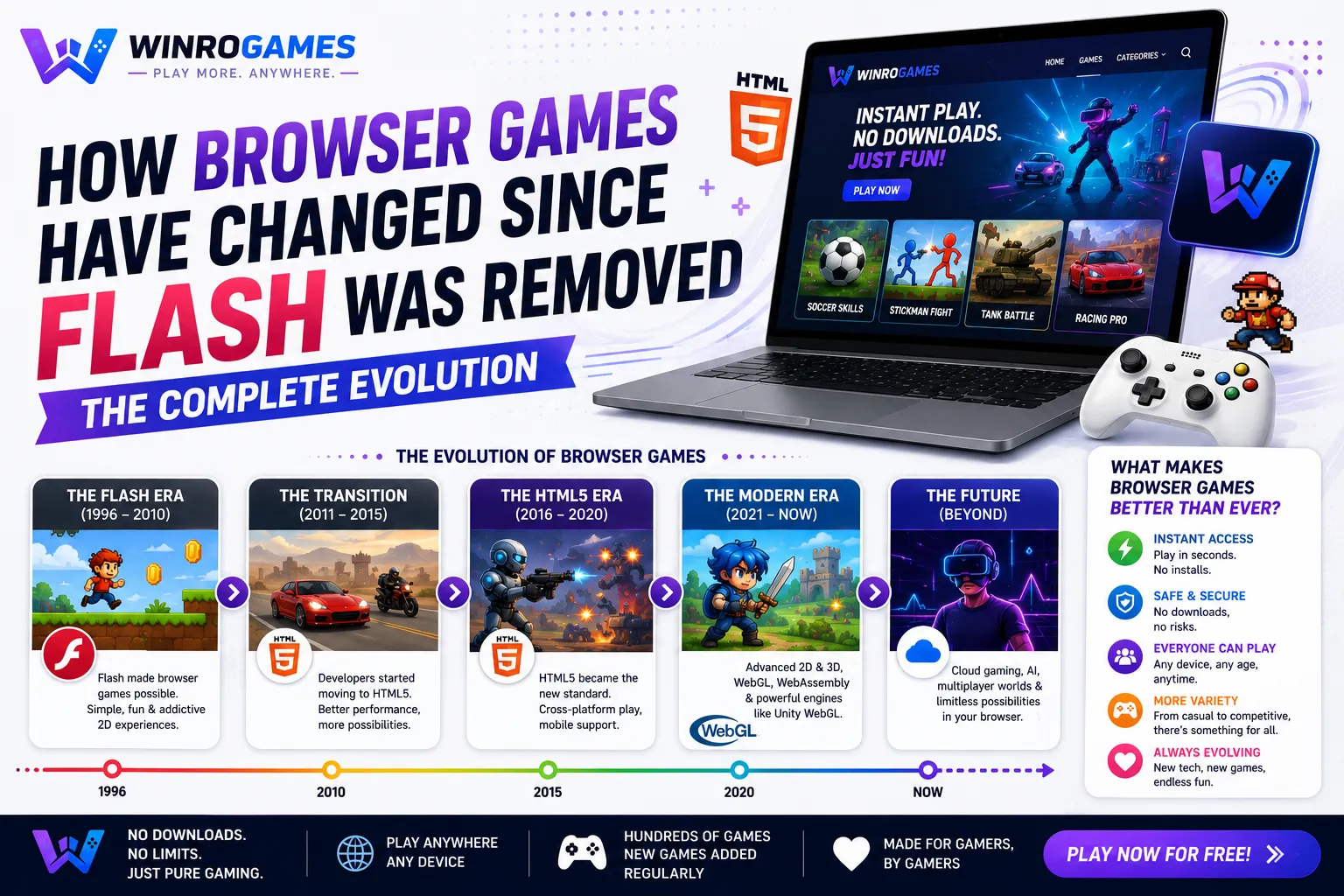

The surging popularity of modern HTML5 games is driven by the convergence of frictionless web distribution, hardware-accelerated 3D graphics, and universal cross-device compatibility. Unlike traditional gaming ecosystems that demand multi-gigabyte client downloads, lengthy installations, and platform-specific app stores, HTML5 games launch in under two seconds directly inside any contemporary web browser. Powered by HTML5 Canvas, WebGL 2.0, WebAssembly, and the Web Audio API, browser games now deliver responsive console-quality mechanics with zero user friction.
The 4 Catalysts Driving the HTML5 Gaming Boom
1. Absolute Frictionless Distribution
In traditional gaming, the barrier between discovering a game and actually playing it is massive: users must register accounts, install client software, accept security permissions, and wait for gigabyte downloads. Research in web usability demonstrates that every additional step in an onboarding funnel causes significant player drop-off. HTML5 games eliminate this friction completely: click a URL or bookmark, and gameplay begins instantaneously in active browser memory.
2. Native Hardware Acceleration via WebGL 2.0
Modern browser gaming is no longer restricted to flat, pixelated sprites. Through WebGL 2.0 (based on the OpenGL ES 3.0 graphic pipeline), web applications communicate directly with the host machine's graphics processor (GPU). This enables advanced visual techniques—such as dynamic lighting, normal mapping, particle physics, and complex 3D meshes—to execute smoothly inside standard browser tabs.
3. High-Performance WebAssembly (Wasm)
Historically, complex game logic written in JavaScript was limited by dynamic typing and garbage collection pauses. WebAssembly solved this bottleneck by introducing a low-level binary bytecode format that executes at near-native CPU speeds. Major game development engines—including Unity, Unreal, and Godot—can now compile high-performance C++ and C# codebases directly to Wasm for seamless web deployment.
4. Universal Cross-Platform Execution
A single well-architected HTML5 game runs identically across Windows, macOS, Linux, ChromeOS, iOS, and Android. By utilizing responsive layout scaling and universal pointer event listeners (which handle mouse clicks, touchscreen swipes, and pen taps uniformly), developers build a single codebase that serves desktop gamers and mobile players simultaneously.
Technology Evolution: Legacy Web vs Modern HTML5 Stack
Review the dramatic technical differences between early web games and contemporary HTML5 applications:
| Architecture Metric | Legacy Plugin Era (Flash / Java) | Modern HTML5 Gaming Era |
|---|---|---|
| Runtime Dependency | Proprietary third-party binary plugin | Native browser standards (W3C & WHATWG) |
| Graphics Pipeline | Software rasterized 2D canvas | Direct GPU hardware acceleration via WebGL 2.0 |
| Logic Execution | Interpreted ActionScript / Java VM | Optimized V8 JavaScript & WebAssembly binary |
| Security Sandbox | Frequent system-level memory vulnerabilities | Strict browser security sandbox isolation |
| Mobile Support | Completely blocked on modern smartphones | Native touch support across all mobile browsers |
The W3C Standards Revolution: Ending the Plugin Era
The transition to HTML5 gaming was forged during the browser wars between 2010 and 2015. Organizations including the World Wide Web Consortium (W3C) and the Web Hypertext Application Technology Working Group (WHATWG) collaborated to establish open, royalty-free web specifications. By standardizing Canvas 2D, WebGL, WebSockets, and Web Audio across all major browser vendors, developers gained the ability to write a single web application that runs universally across Apple, Google, Microsoft, and Mozilla browsers.
Instant Progressive Web Apps (PWA) vs App Store Monopolies
Mobile native app stores require developers to submit lengthy review packages, adhere to rigid monetization cuts of up to 30%, and wait days for patch approvals. HTML5 games deployed as Progressive Web Apps bypass app store friction entirely. Developers publish updates directly to their web servers, instantly delivering new game levels, bug fixes, and features to players across the globe with zero installation wait times.
Web Workers: Offloading Physics and Game Logic
Historically, all JavaScript in a browser tab executed on a single main UI thread. If a game attempted to calculate complex collision physics or pathfinding algorithms while simultaneously updating the visual DOM, the browser would hitch and drop frames. The W3C Web Workers API solved this fundamental bottleneck by enabling true multithreaded JavaScript execution.
In modern HTML5 gaming, complex background calculations—such as procedural level generation, pathfinding graphs, and audio synthesis—are dispatched to dedicated background worker threads. The main browser thread remains 100% unencumbered, focusing exclusively on rendering smooth 60 Hz visual frames to the Canvas element.
Memory Management and Garbage Collection Discipline
JavaScript is a garbage-collected language, meaning memory allocated to objects is periodically reclaimed by the browser engine. In unoptimized games, creating and destroying thousands of temporary objects (like particle sparks or bullet projectiles) triggers frequent garbage collection pauses, causing visible micro-stuttering.
Modern HTML5 game engines eliminate garbage collection spikes through Object Pooling. Instead of instantiating new objects during combat, a pre-allocated pool of reusable objects is maintained in memory. Objects are simply activated and deactivated as needed, ensuring smooth, uninterrupted frame delivery across prolonged play sessions.
Progressive Texture Streaming and Asset Optimization
To eliminate loading screens entirely, modern HTML5 game engines implement progressive texture streaming. Instead of waiting for high-resolution 4K textures to download before initiating gameplay, engines load lightweight mipmaps first. The game starts instantaneously in low-resolution proxy mode, progressively upgrading texture fidelity in the background as chunks stream in over the network.
Combined with modern image compression formats like WebP and AVIF (which reduce image file sizes by up to 50% compared to legacy PNG and JPEG formats without visual degradation), modern web games achieve stunning visual polish while preserving instantaneous startup speeds.
WebGPU: The Next Frontier in Browser Graphics
The modern web platform continues to evolve with the emergence of WebGPU, the successor to WebGL. Designed to mirror contemporary low-level graphics APIs like DirectX 12, Vulkan, and Apple Metal, WebGPU dramatically reduces CPU driver overhead. By granting browser applications direct compute shader access, WebGPU empowers developers to run massive particle simulations, compute physics, and machine-learning game agents directly on the GPU without freezing web pages.
The Business Model Transformation of Web Gaming
The monetization structure of browser gaming has shifted from intrusive pop-under banners to high-value programmatic advertising and user-opted rewarded video placements. Because modern browsers enforce strict Content Security Policies (CSP) and automated ad-block filtering, reputable gaming portals prioritize lightweight, privacy-conscious delivery models that load games first without cluttering viewports with disruptive overlays.
The Rise of Instant Web Gaming on WinroGames
WinroGames embraces the full potential of open web standards to deliver responsive, zero-install entertainment:
- Play deductive sliding number puzzles in our client-side 2048 game.
- Experience instant deductive logic in our browser port of Sudoku.
- Read the technical history of web standards in our article on how browser games changed after Flash.
- Explore our complete directory of free games with no download required.
Frequently Asked Questions
Do HTML5 games require external software or plugins to run?
No. HTML5 games run natively inside your web browser using built-in APIs supported by Google Chrome, Mozilla Firefox, Apple Safari, and Microsoft Edge.
Are HTML5 games capable of saving progress locally?
Yes. Web games use local browser storage APIs—specifically LocalStorage and IndexedDB—to save player high scores, settings, and level configurations between sessions without requiring an account.
Can HTML5 games run offline without an internet connection?
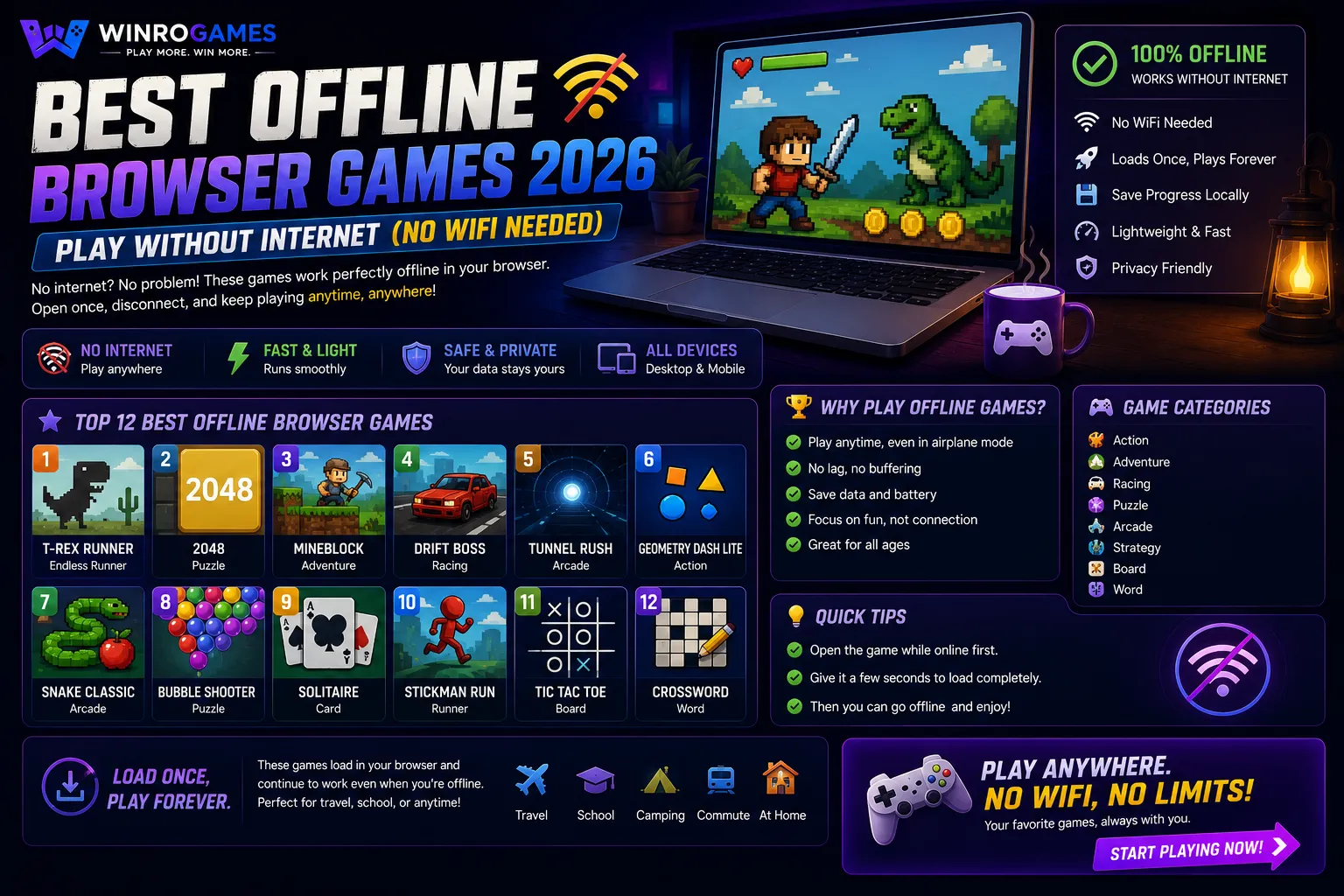
Yes. Games configured with Service Workers store their entire asset payload in the browser's Cache Storage, enabling full offline play without WiFi or cellular data.
Are HTML5 browser games secure against viruses?
Yes. Modern web games run inside the browser's isolated process sandbox, preventing them from modifying system files or installing unauthorized background processes on your machine.
Can you connect external gamepads to play HTML5 browser games?
Yes. Web browsers implement the standard W3C Gamepad API, allowing plug-and-play USB and Bluetooth controller support for Xbox, PlayStation, and Nintendo controllers.
Unified Pointer Events and Touch Interoperability
A major technical catalyst for HTML5 gaming adoption is the W3C Pointer Events API. By unifying mouse, stylus, and multi-touch inputs into a single standard event stream, developers no longer maintain separate codebases for mobile phones, tablets, and desktop workstations. A responsive web game automatically binds touch gestures to virtual joysticks on smartphones while preserving raw mouse delta coordinates on desktop systems.
Sources & Technical Specifications
- World Wide Web Consortium (W3C). HTML5 Web Application Technologies Recommendation.
- Khronos Group. WebGL 2.0 Specification & GPU Pipeline Architecture (2024).
- Mozilla Developer Network (MDN). WebAssembly Core Concepts and Architecture.